director@yunismart.com
+86-13815034152
Item:
B0DCG99WV2
TU-KEY-BLACK-2
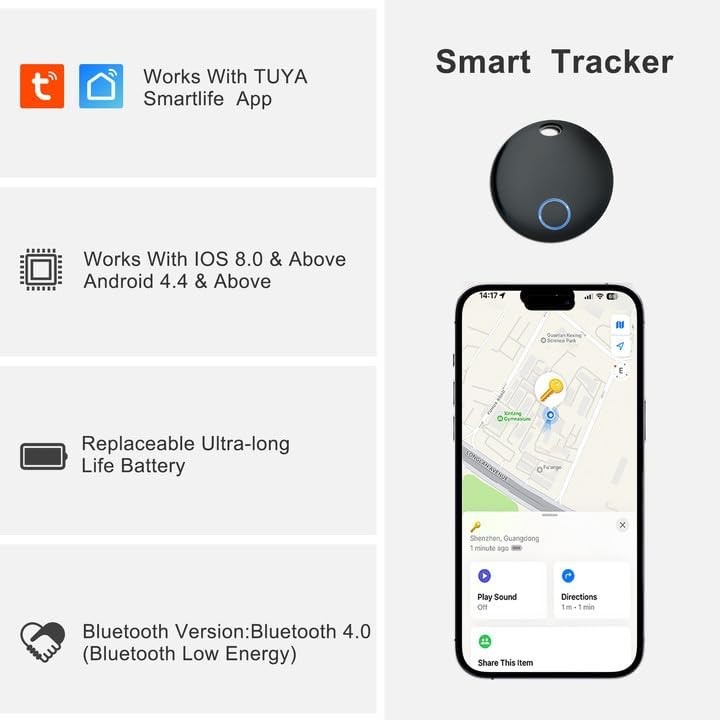
Control Method:Tuya or Smart Life App
Compatible Devices:iOS or Android Devices
Connectivity Technology:Bluetooth
Control Method:Touch
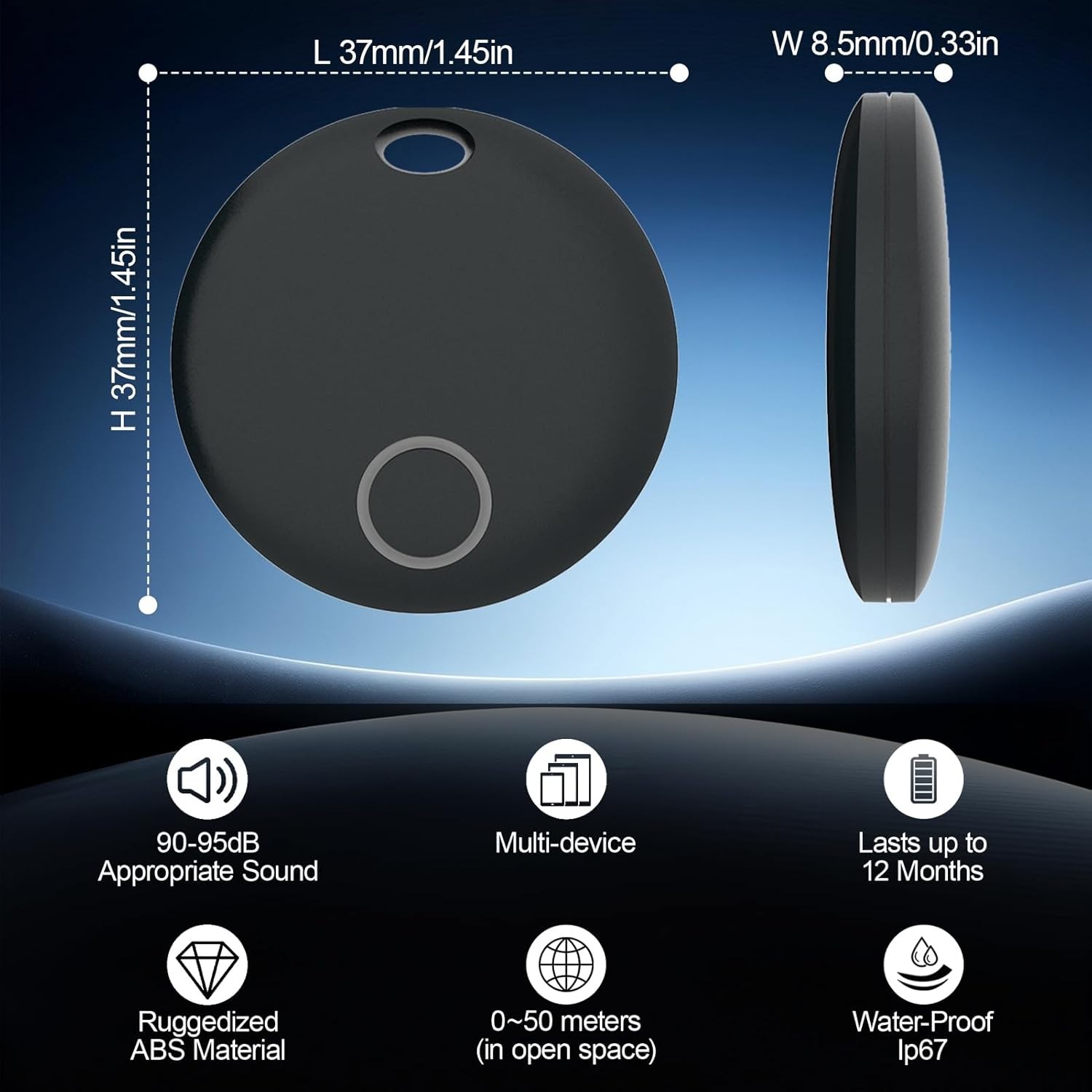
Range:10-50 meters
Accessories:
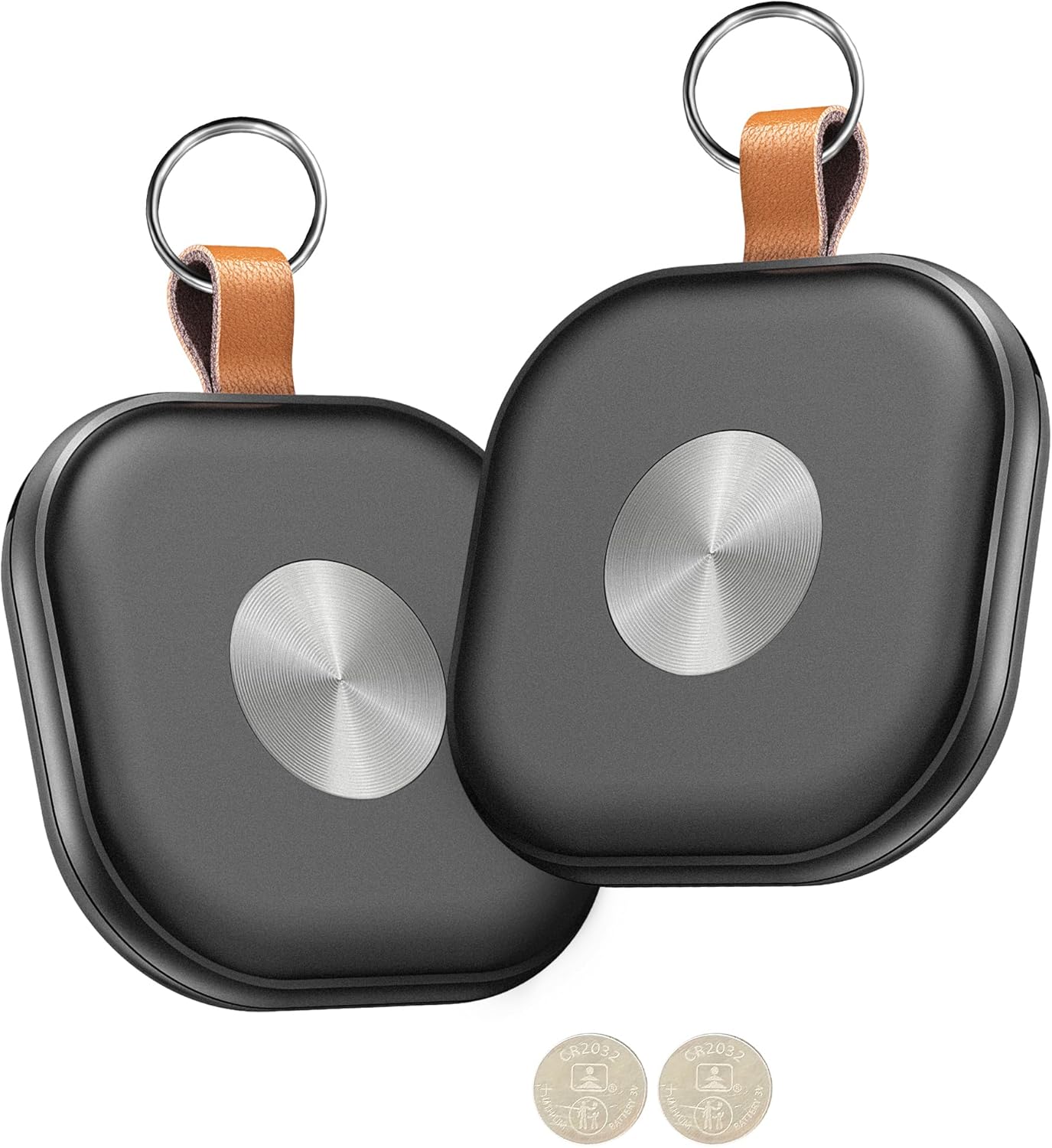
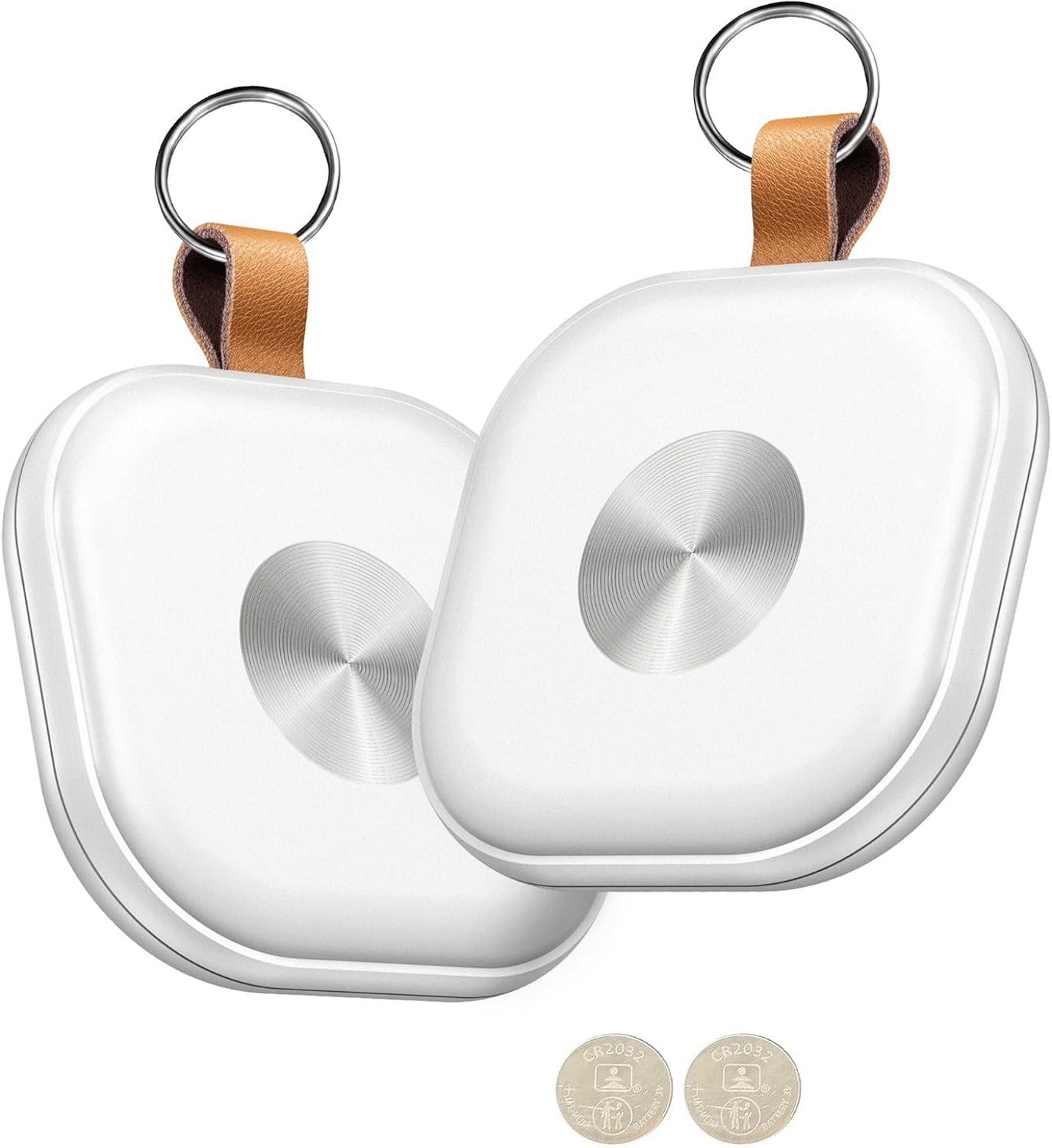
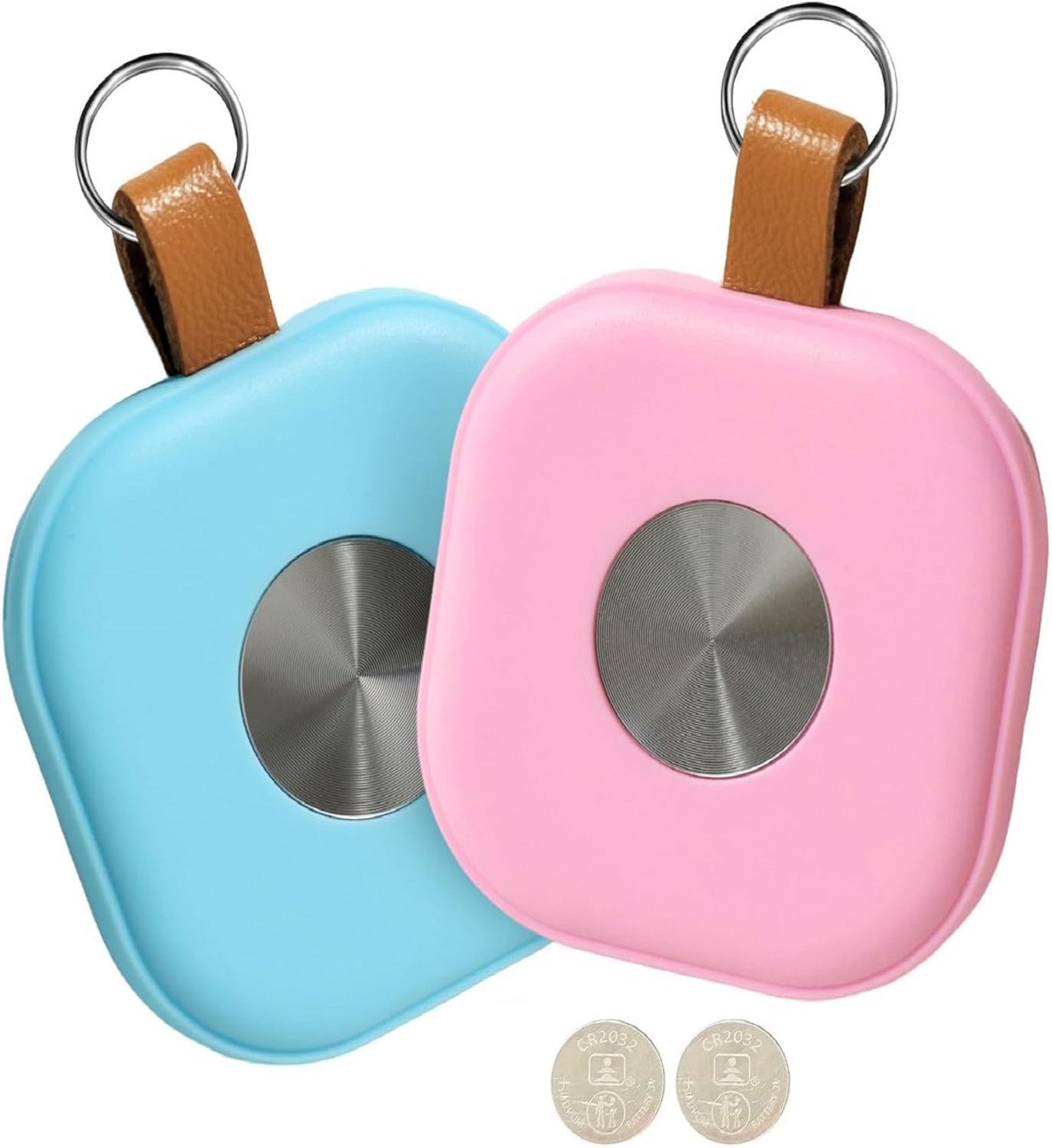
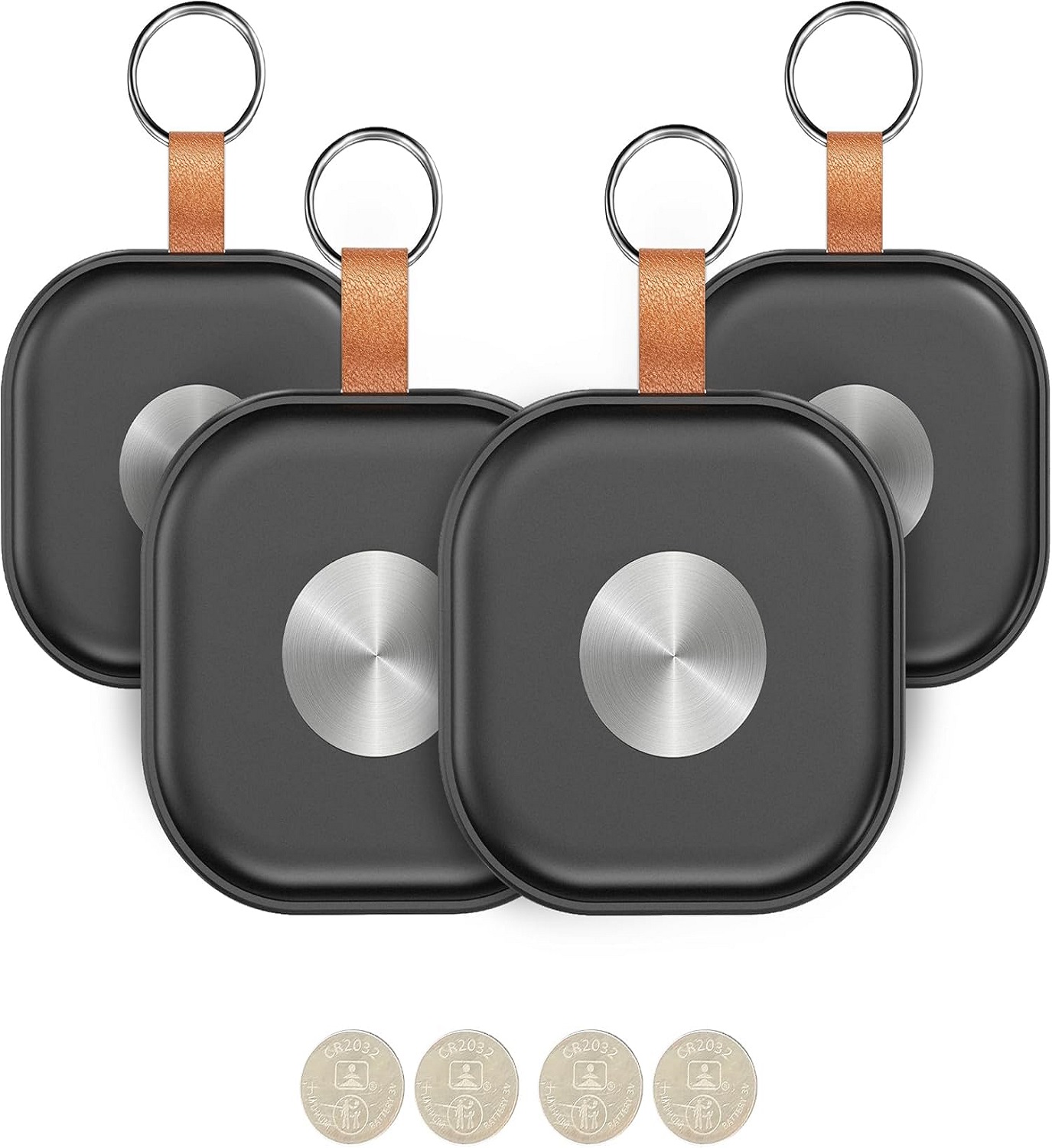
1)CR2032 Battery
2)Key Ring*2
3)User manual*1
4)Black Battery Cover Pry Tab*1
Gift With Purchase:
S-Shaped Double Spring Hook Keychain(Black*1, Silver*1)
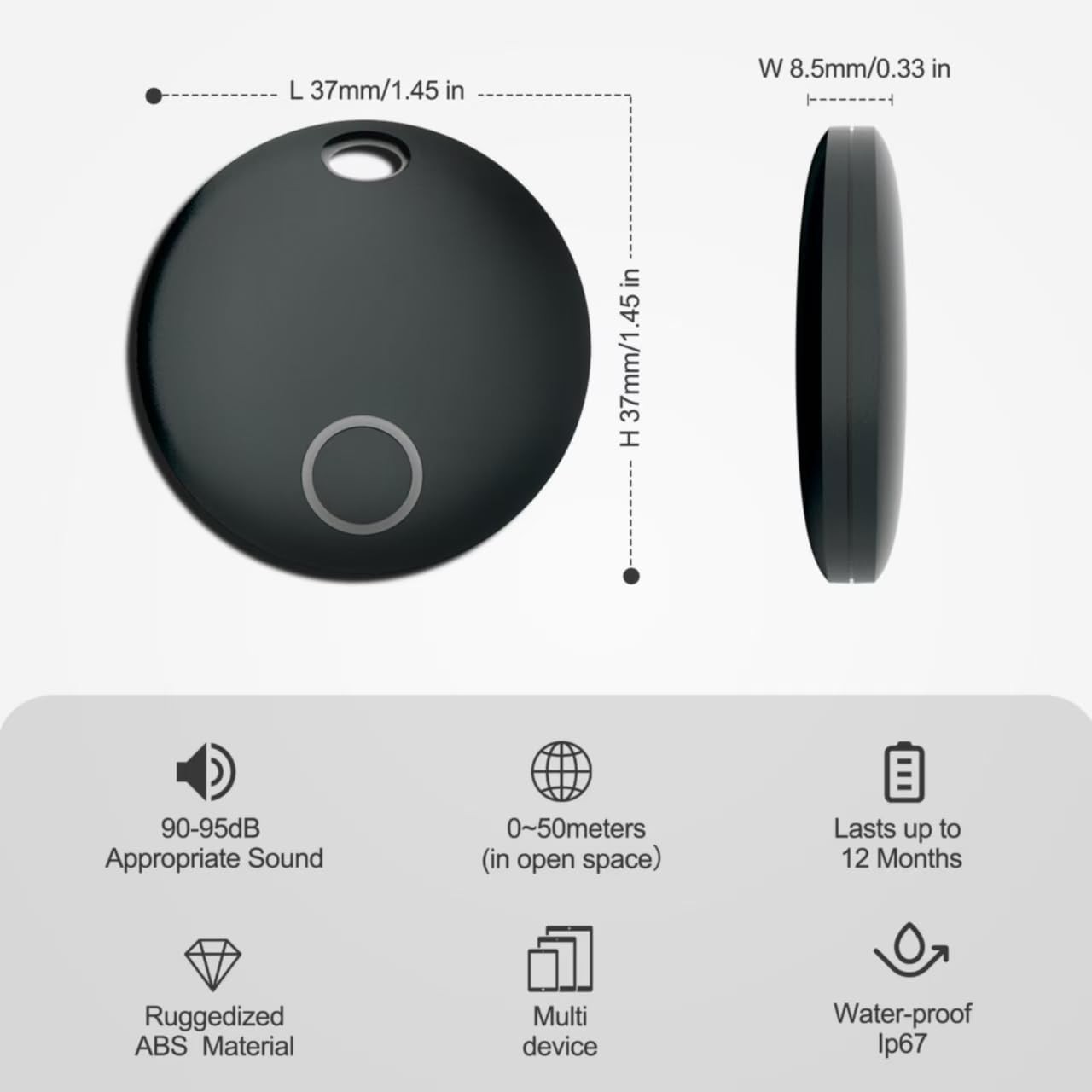
Product Size(mm):37*37*8.5
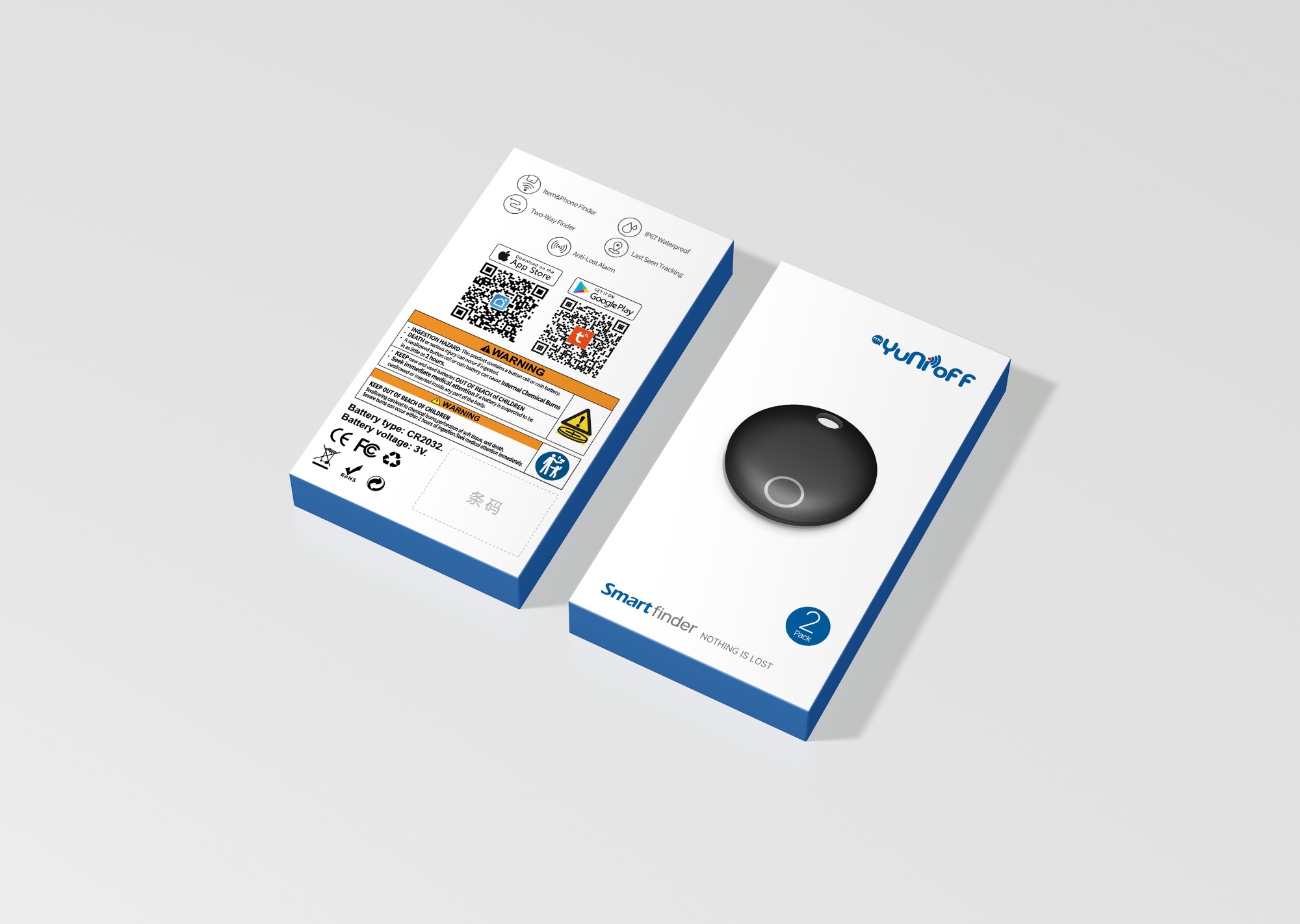
Package Size(mm):114*65*15
Product Weight(g):35.4
Package Weight(g):39.6
Certification:CE/FCC/ROHS/UKCA
Smart Bluetooth Round Key Finder-Smart Home Brand Yunioff
Youtube Link:https://www.youtube.com/watch?v=HlGKgfq9QjE
Smart Finder Accessories-Smart Home Brand Yunioff
Youtube Link:https://www.youtube.com/watch?v=LPoFC3Zs4a4
Smart Tracker Customer Case
Product Description:
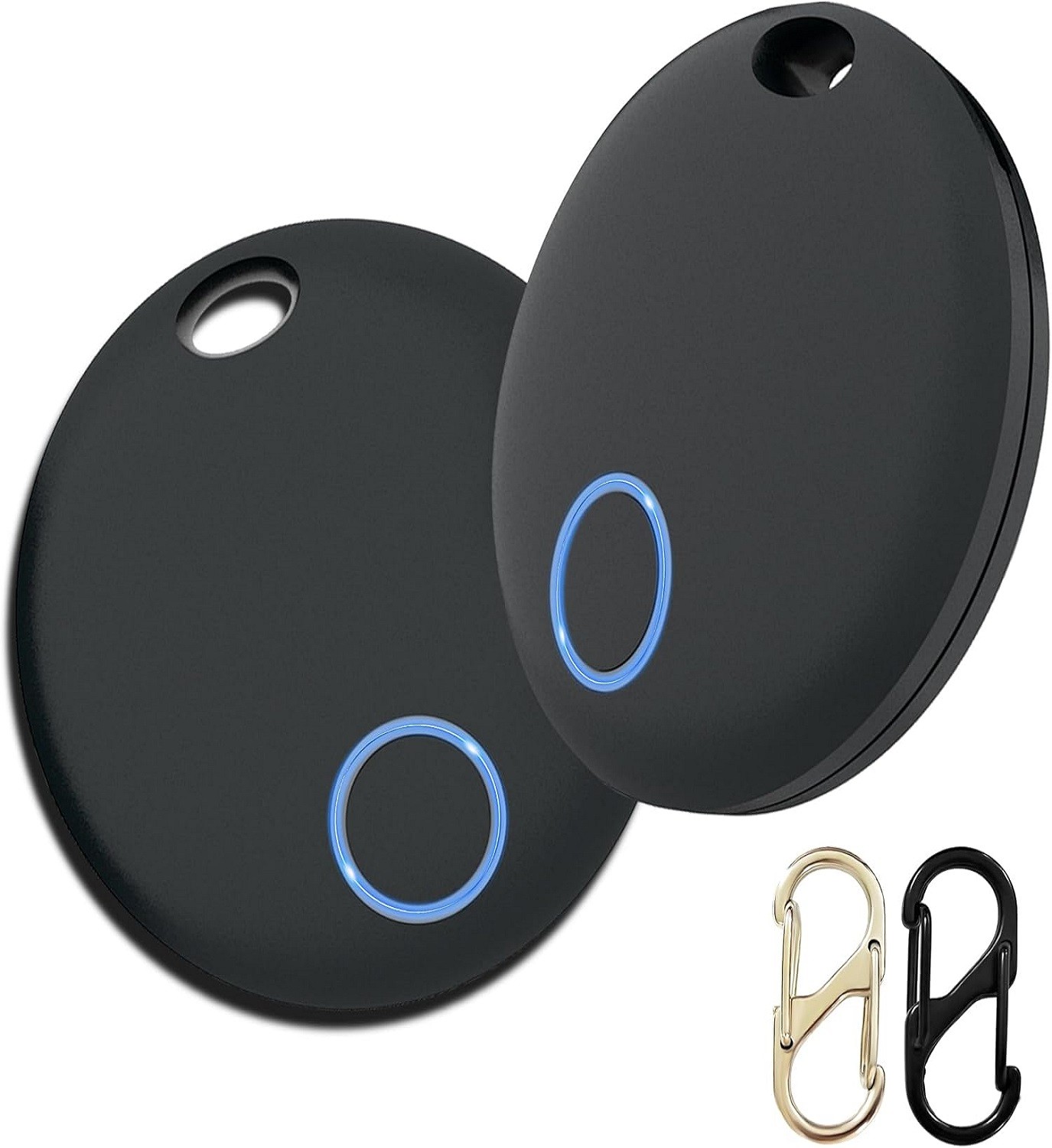
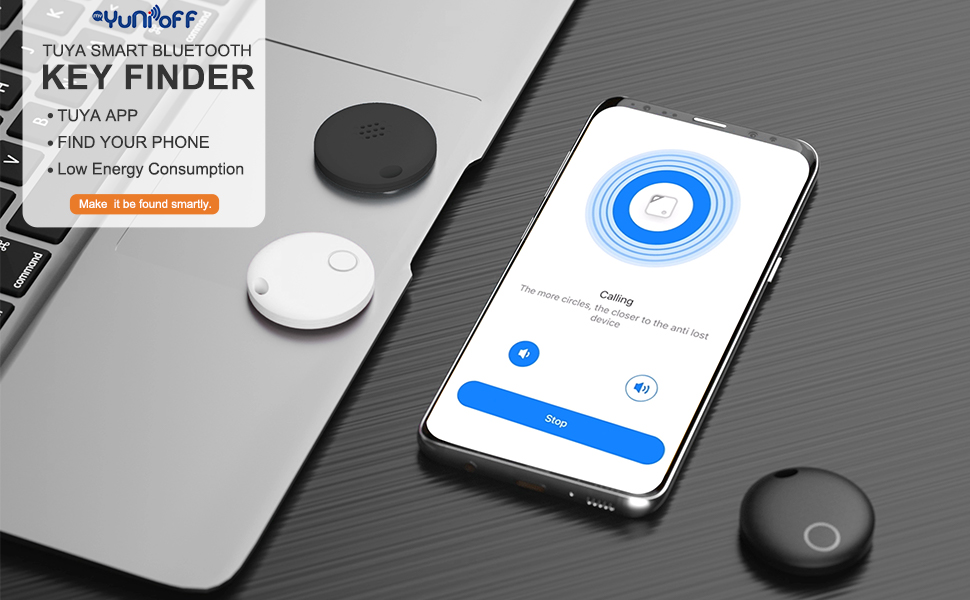
Air Tracker, Key Finder Compatible for Both iOS and Android, Bluetooth Smart Tag with Holder for Keys, Luggage, Suitcases, Pets, Dog Cat Collar, Worldwide Tracking Tag 2 Pack
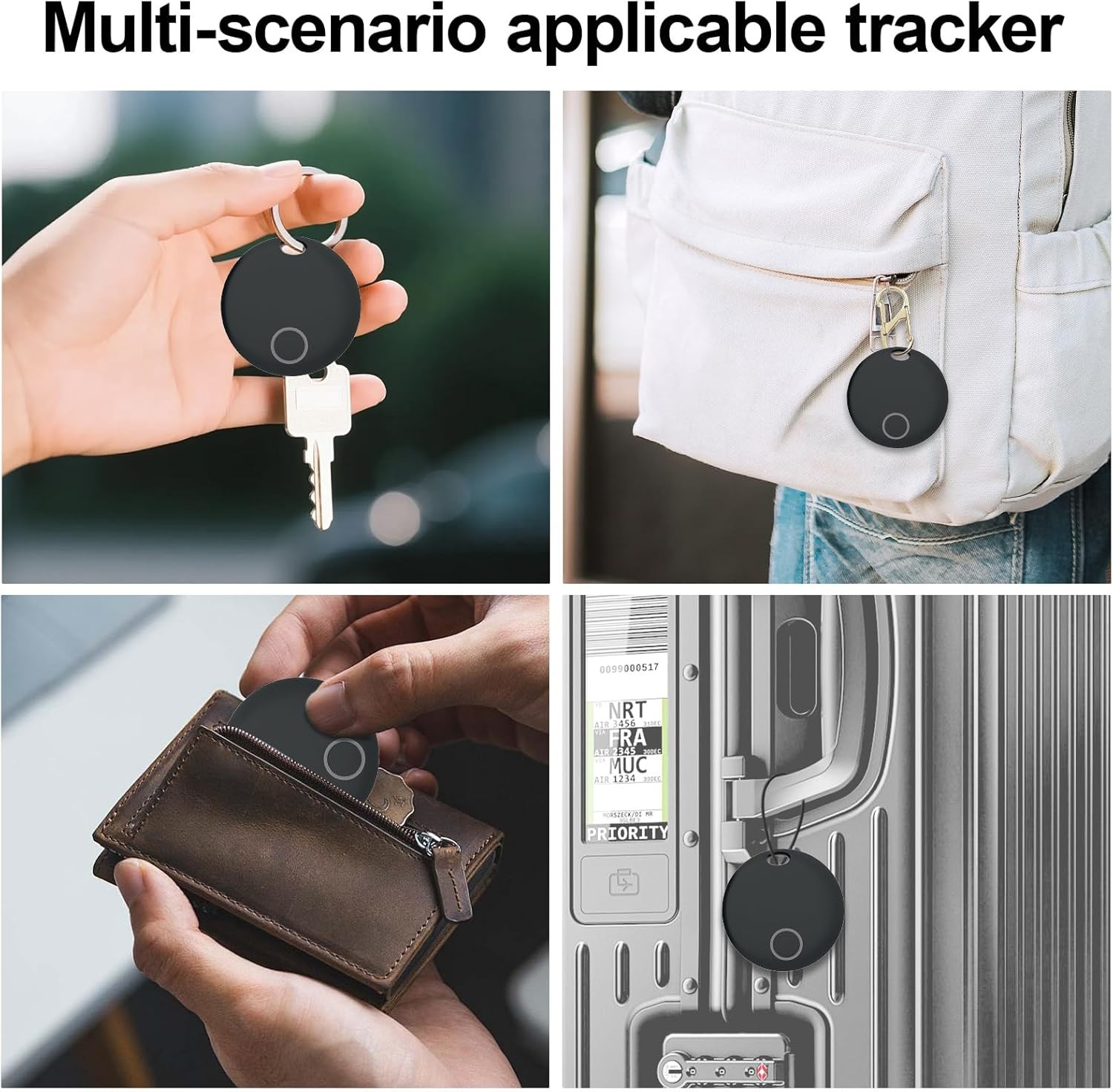
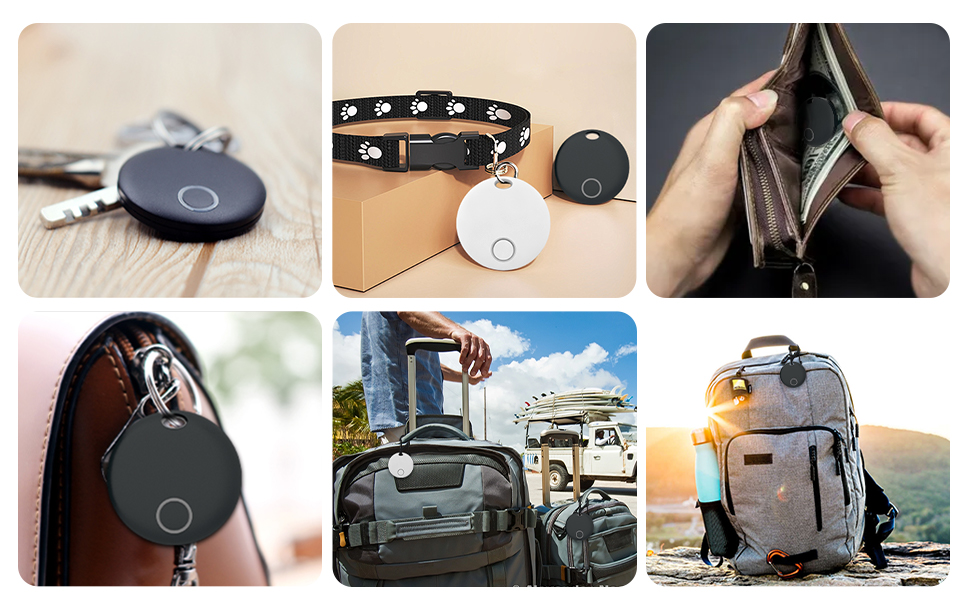
Anti loss device is a low-power product. Through the app software of mobile terminal, the items (such as keys, handbags, etc.) that users are easy to lose are bundled together to prevent the loss of items; You can even hang the device on children to ensure that they are in your sight; Or hang them on your pets, so you don't have to worry about them getting lost.
Product Features:
【2 Key Rings + 2 S-Shaped Double Spring Hook Keychain for 2-Pack】Our Key Finder 2-Pack comes with 2 key rings and 2 S-Shaped Double Spring Hook Keychain inside. Easily attach the smart finder to keys, wallets, backpacks, luggage for long-lasting use. For after-sales issues, check Yunni’s official website.
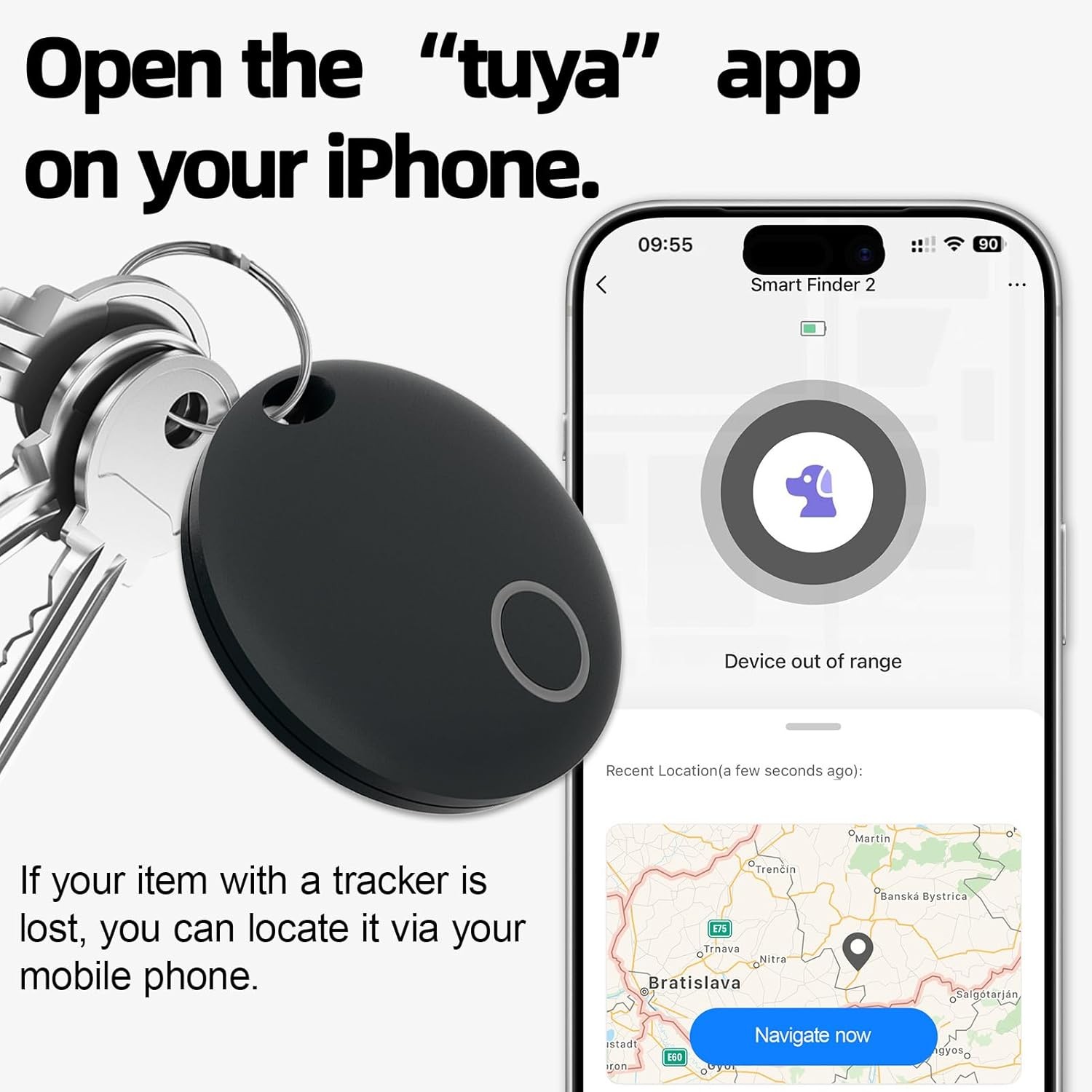
【Everyday Item Finder】Never lose your valuables with this luggage tracking tag! Use the TUYA App to track and locate your key finder, luggage, car keys, backpacks and daily must-haves. (Note: TUYA App compatible, works with iOS and Android)
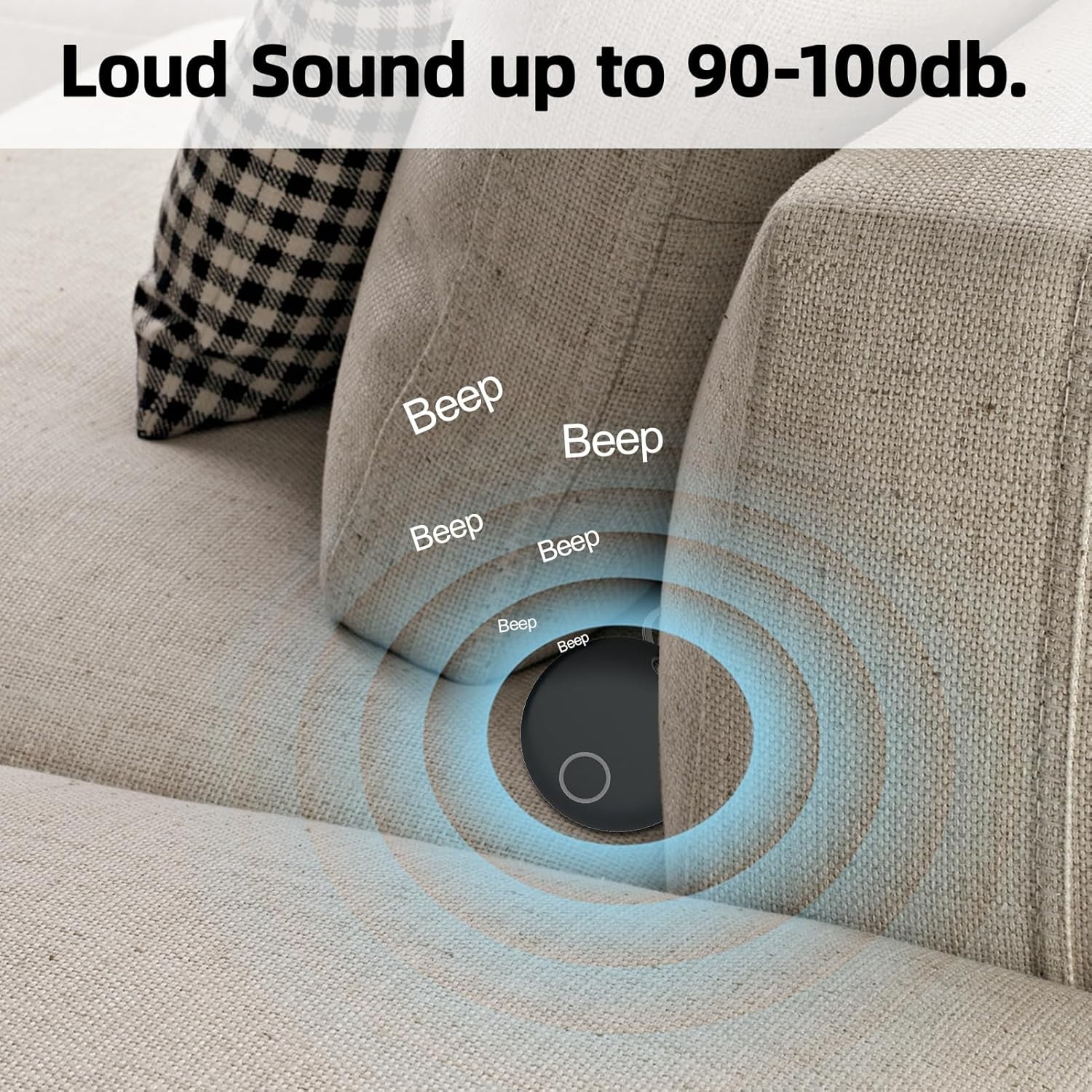
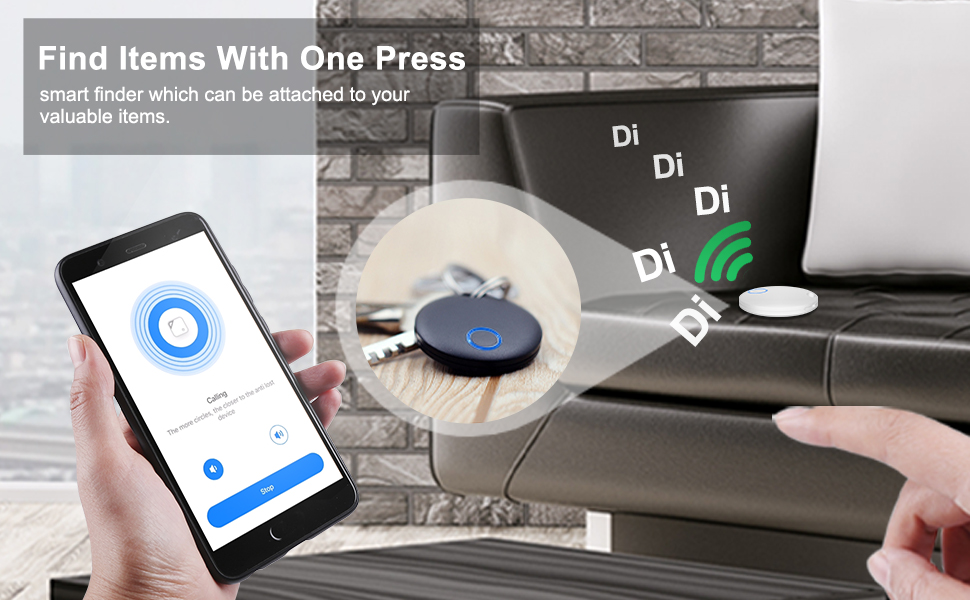
【Live Location & Loud Chime】This smart tracker provides real-time location updates. In Bluetooth range, the TUYA App plays a 90-95db loud sound to find items. Beyond Bluetooth range, use the app’s map navigation to locate your air tag.
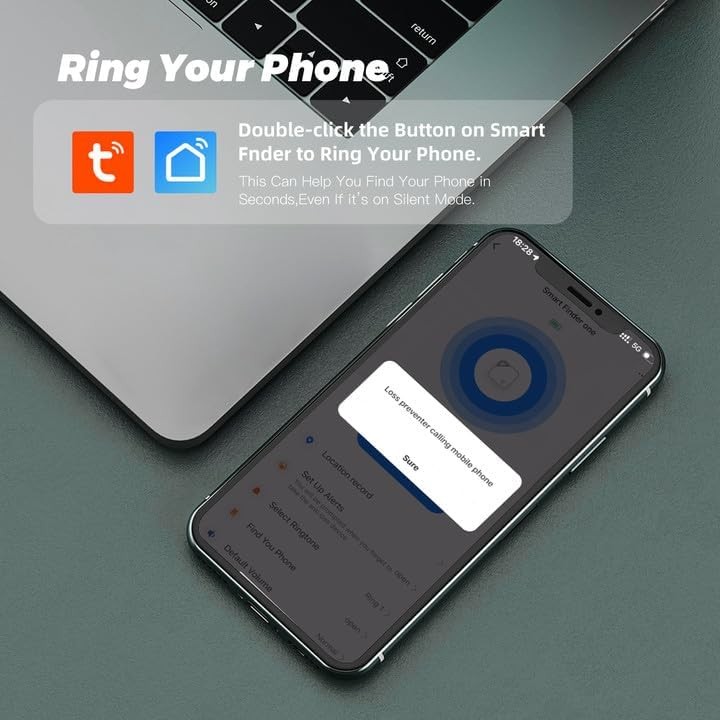
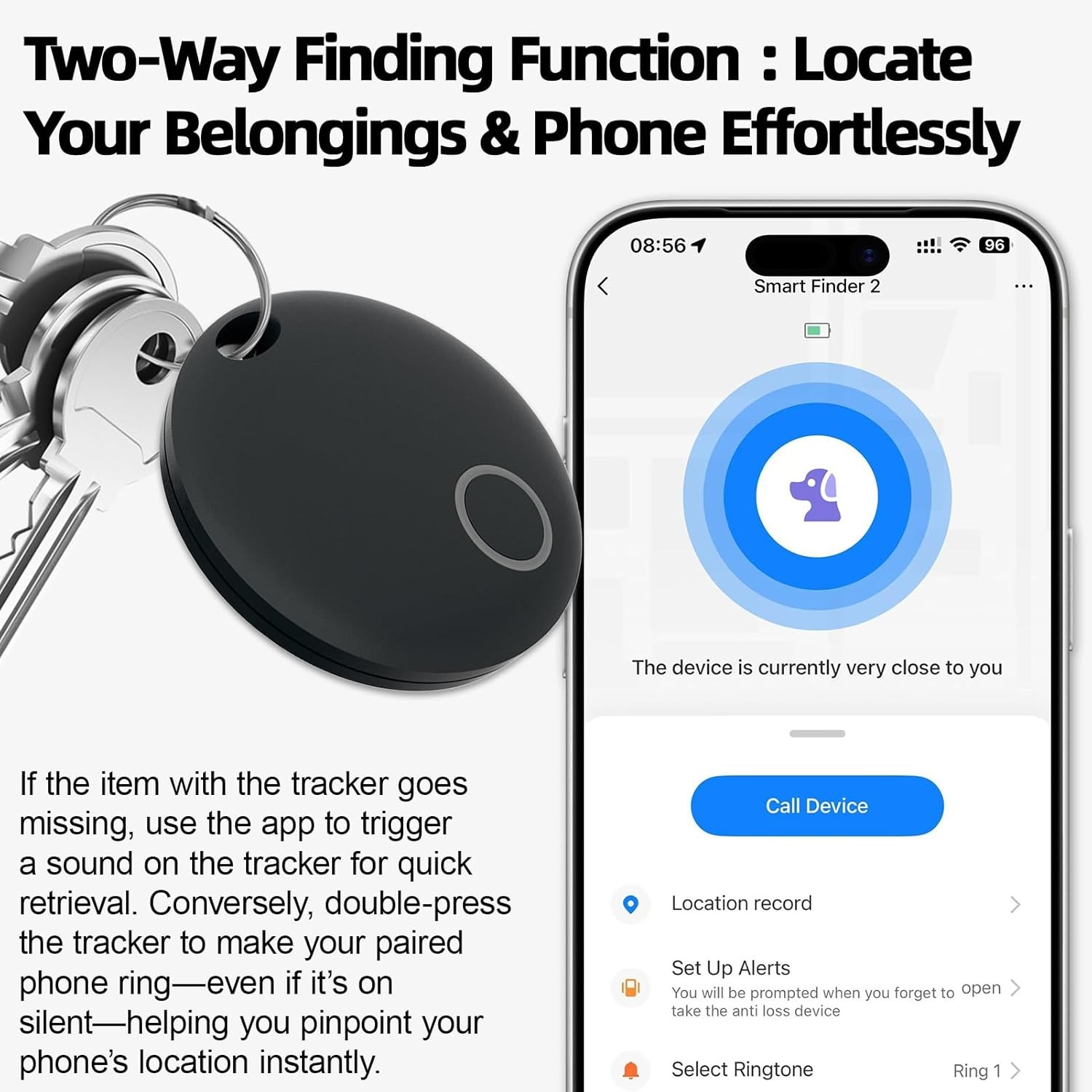
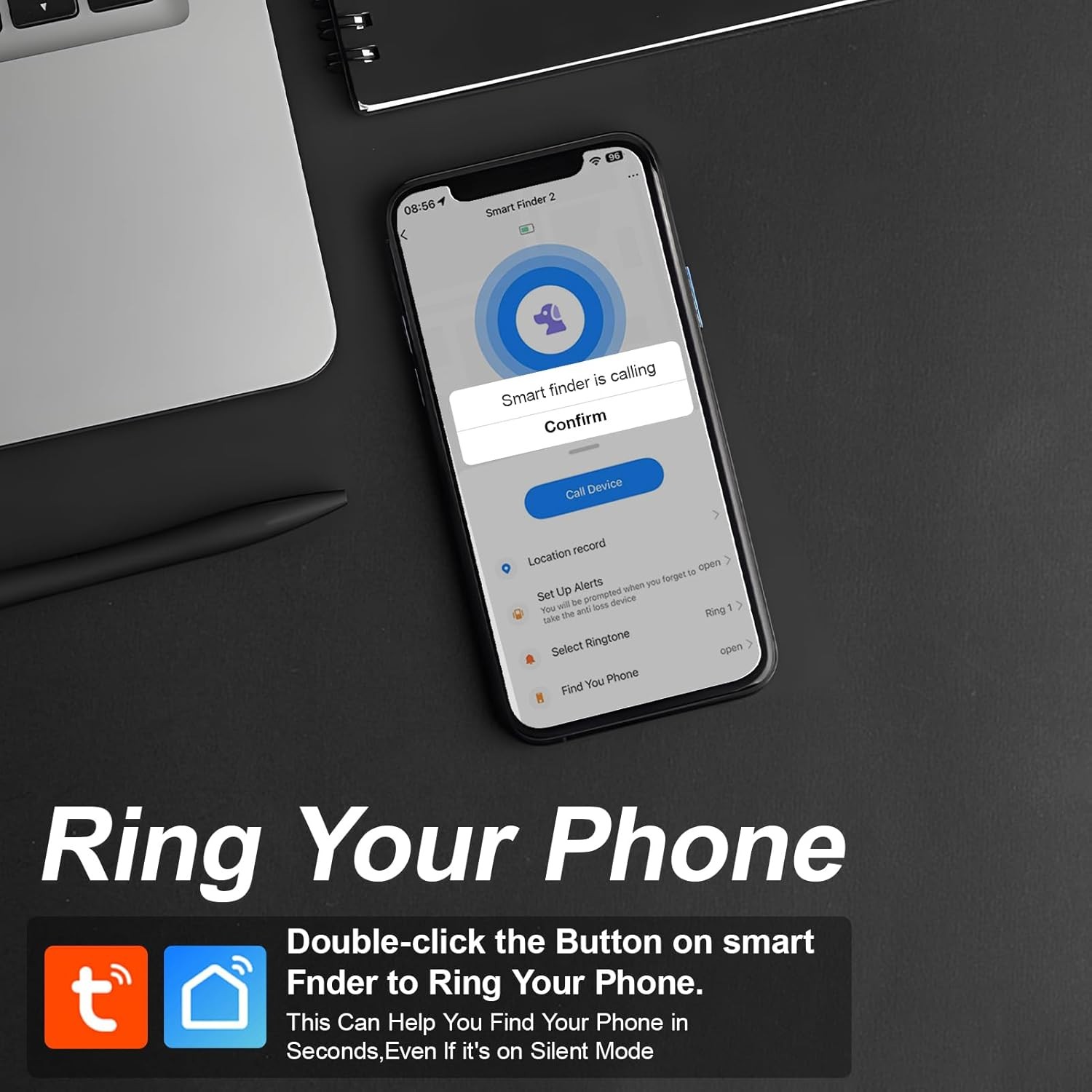
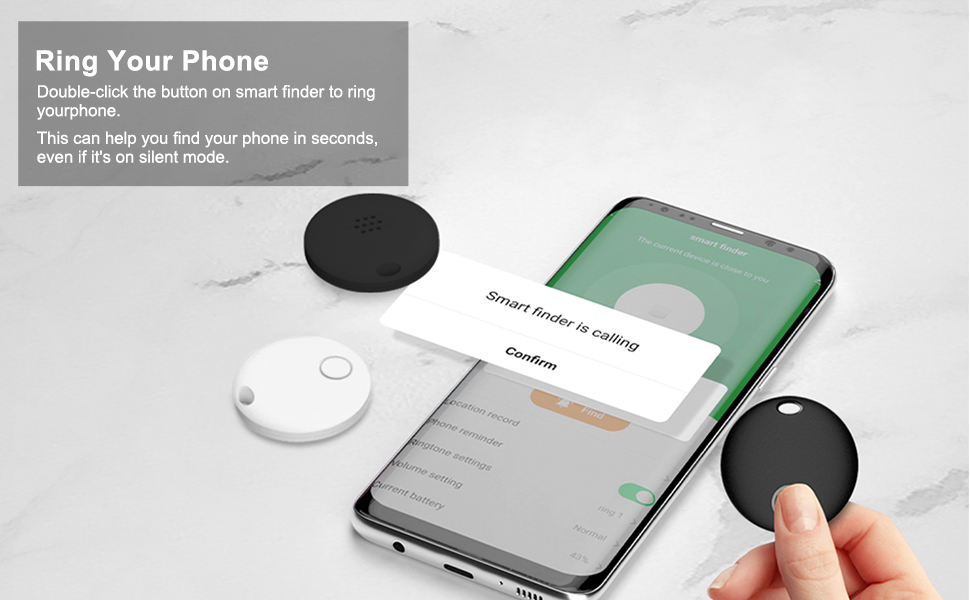
【Find Silent Phones Easily】Double-click the smart finder’s button to ring your phone—find your device instantly, even on silent.
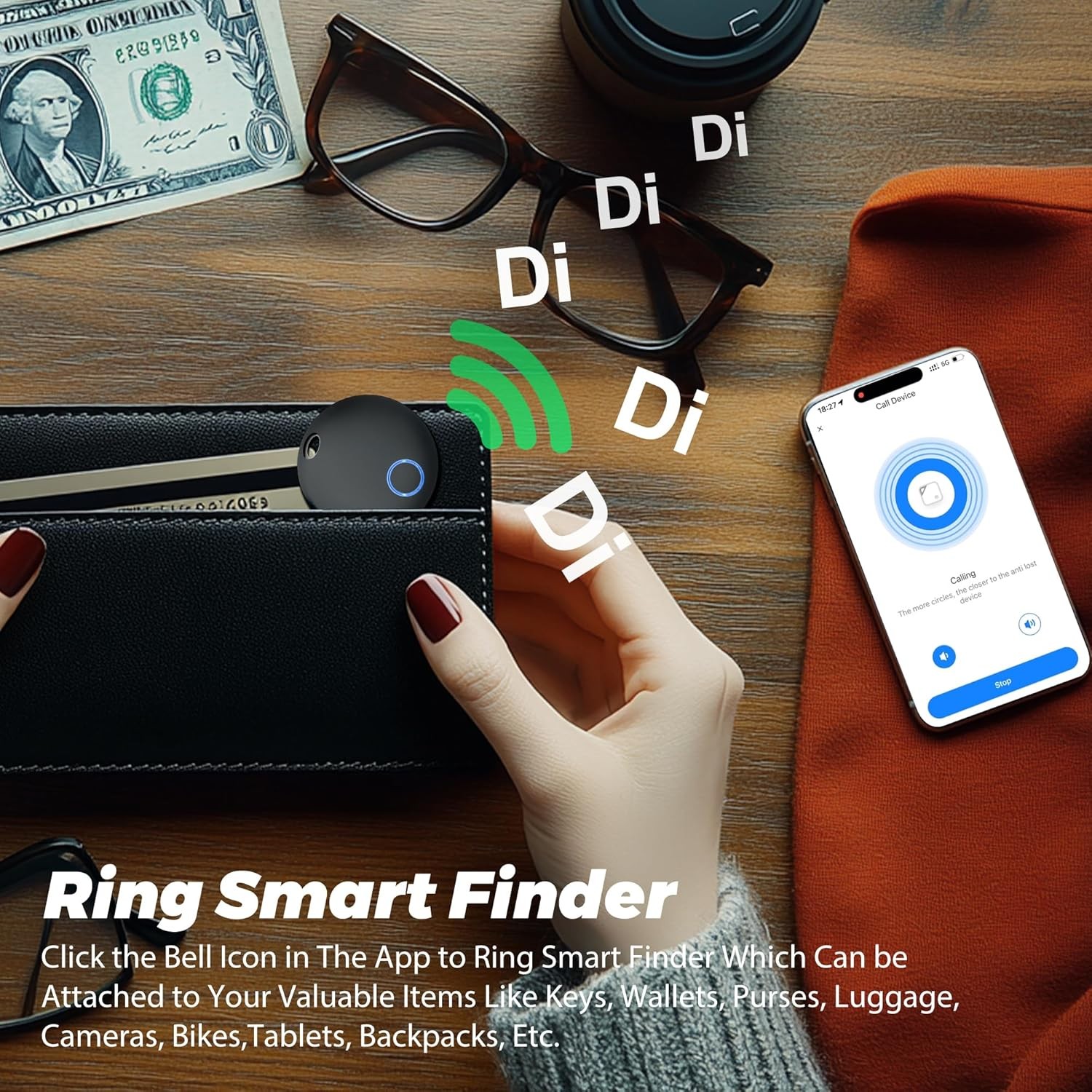
【App-Controlled Tracker Alarm】Tap the bell icon in the app to ring the smart finder. Secure it to keys, wallets, purses, luggage, cameras, bikes, tablets, backpacks and valuables.
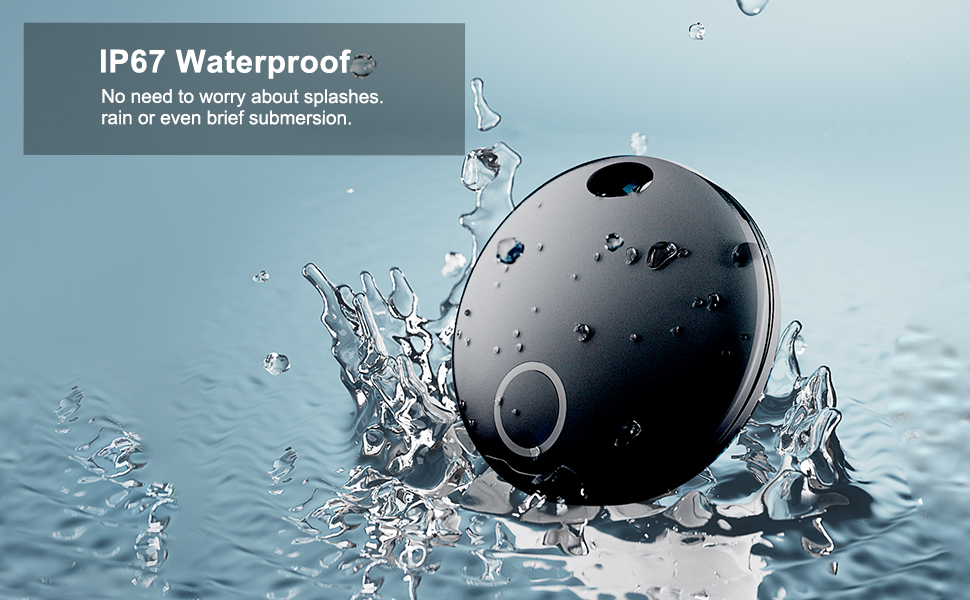
【10-50M Bluetooth Working Range】The anti-loss device transmits Bluetooth signals 10-50 meters (disconnects outside this range). Metal, concrete and other obstacles absorb/reflect signals, shortening the effective distance.
User Guide
APP Installation
Scan the QR code with your smartphone or tablet to download the TUYA or Smartlife app. Alternatively you can search “TUYA” /"Smartlife"on App Store or Google Play to get to the respective downloads.
Pairing
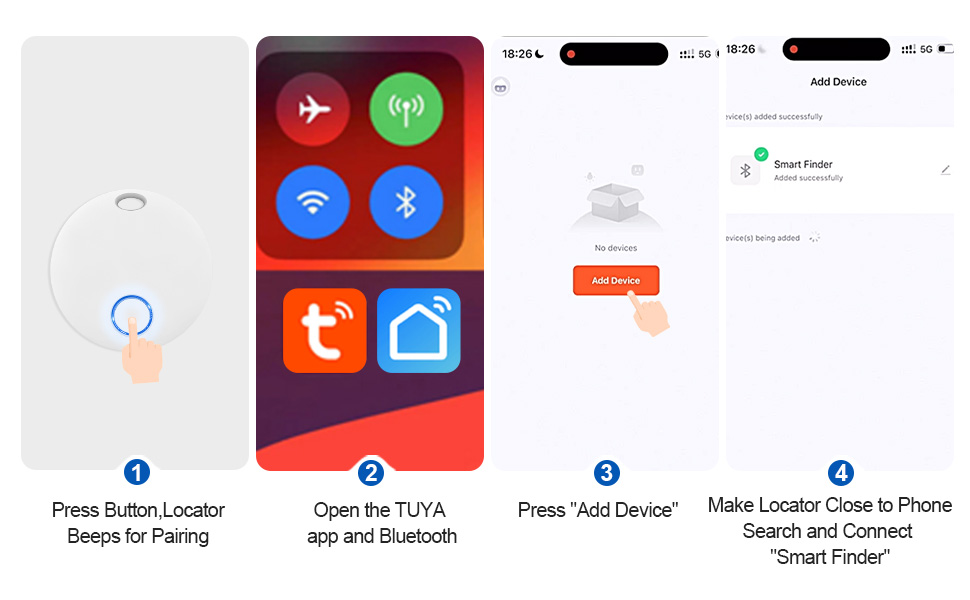
Before pairing, please turn on the Bluetooth of your smart phone.
1. Open the Tuya app,click “Add Device” button,and then Click “Auto Scan”.
2. Long Press the smart finder and close to the mobile phone.
3. Click “Next” button, Start pairing;The device icon appearing means to pair successful.
Ring Smart Finder
Click the bell icon in the app to ring smart finder which can be attached to your valuable items like keys, wallets, purses, luggage, cameras, bikes,tablets, backpacks, etc.
Ring Your Phone
Double-click the button on smart finder to ring your phone. This can help you find your phone in seconds,even if it’s on silent mode.
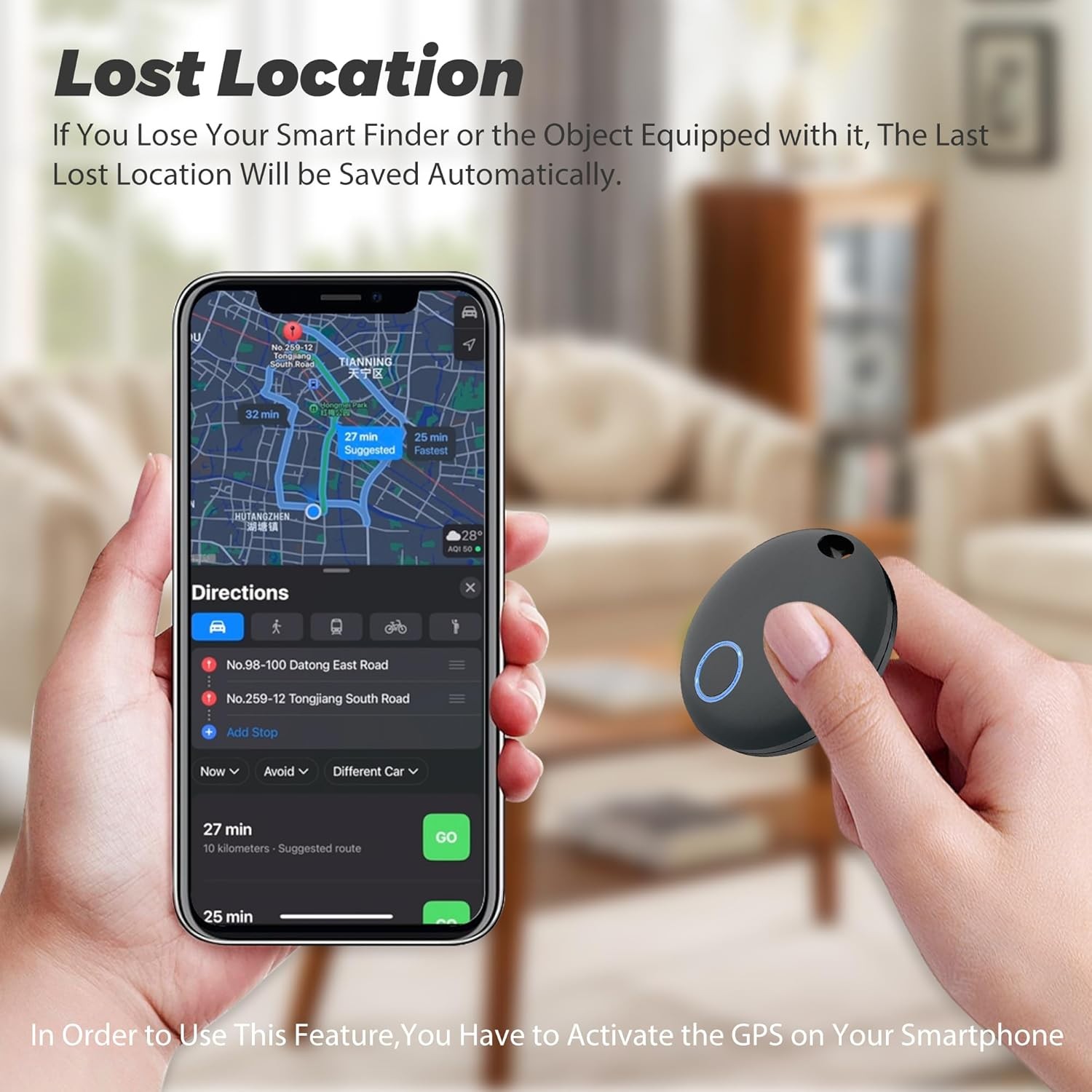
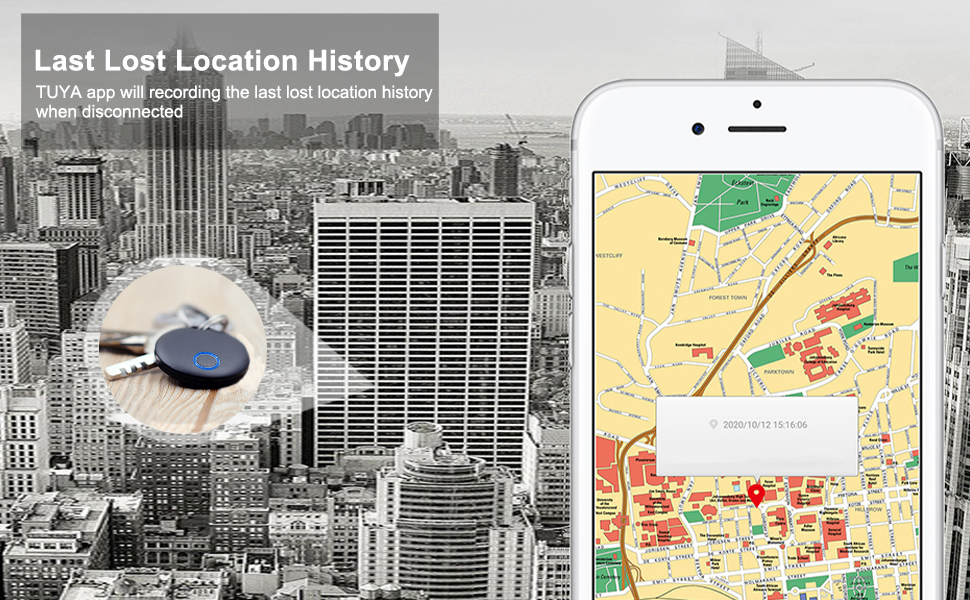
Lost Location
In order to use this feature, you have to activate the GPS on your smartphone.If you lose your smart finder or the object equipped
with it, the last lost location will be saved automatically. You can see this location by pressing within the app.
Setting
In configure important settings for your smart finder,press within the app.
Disconnecting Notification
Toggle on the “Disconnecting Notification”, both your phone and smart finder will alarm when it is out of the Bluetooth range. This is to remind you don’t leave your things behind.
Toggle off to disable the anti-lost alarm function.
Battery Replacement
1. Open the outer shell with the opening tool provided.
2. Replace CR2032 battery. Please mind the polarity of battery.
3. Close the outer shell.
Compatible Smartphones
iOS(iOS 8.0 or higher)
iPhone: 4S/5/5C/5S/6/6Plus/6S/SE/7/7Plus
iPad: 3th Gen/4th Gen/Air/Pro or later
iPad Mini or later
iPod Touch 5 or later
Android(Android 4.4 or higher)
Samsung Galaxy S4/S5/S6/S7
Galaxy Note 3/4/5/6
Galaxy C5/C7/C9
Galaxy A5/A7/A9
Nexus 4/5/5X/6/6P
Note:
If your smart phone is not on this list but also uses Android4.4 and Bluetooth4.0,there is a good chance the smart finder will work fine,but we are not able to offer the same level of support in trouble shooting scenarios.
About Bluetooth Low Energy
This smart finder uses Bluetooth Low Energy (BLE)technology to help you locate your items.While Bluetooth technology is a wireless technology,there are significant differences between Bluetooth,Wi-Fi,and GPS technology.The Bluetooth range of smart finder is up to 50m in open space.Bluetooth is most effective at the 10m range,depending on the environment.
Regulatory Safety Information:
Warning: The battery must be kept out of the reach of children. Due to chemical burns and potential esophageal perforation, swallowing may cause serious injury or death. If the child accidentally swallows the button battery, please call the rescue phone immediately and seek medical advice in time.
WARNING
Remove and Immediately recycle or dispose of used batteries according to local regulations and keep away from children. Do NOT dispose of batteries in household trash or incinerate.
Even used batteries may cause severe injury or death Call a local poison control center for treatment information.
Non-rechargeable batteries are not to be recharged. Do not force discharge, recharge, disassemble, heat above 50°C/122°F or incinerate. Doing so may result in injury due to venting, leakage or explosion resulting in chemical burns.
The compatible battery type is CR2032.
The nominal battery voltage: DC 3V.
Ensure the batteries are installed correctly according to polarity(+ and -).
Do not mix old and new batteries, different brands or types of batteries, such as alkaline, carbonzinc, or rechargeable batteries.
Remove and immediately recycle or dispose of batteries from equipment not used for an extended period of time according to local regulations.
Always completely secure the battery compartment. If the battery compartment does not close securely, stop using the product, remove the batteries, and keep them away from children.
Contact: Jacktao
Phone: +86-13815034152
E-mail: director@yunismart.com
Whatsapp:13815034152
Add: No.143,Qingyangbei Road,Changzhou,Jiangsu,China
CopyRight 2020 Yunismart Home Manufacturer All Right Reserved POWERED BY YUKE Sitemap

We chat