director@yunismart.com
+86-13815034152
Item:
ASIN:B0DCG5HVRT
A-KEY-BLACK-4
Control Method:Find My App (iOS Only)
Compatible Devices:iOS Devices
Connectivity Technology:Bluetooth
Control Method:Touch
Range:Global Positioning
Accessories:
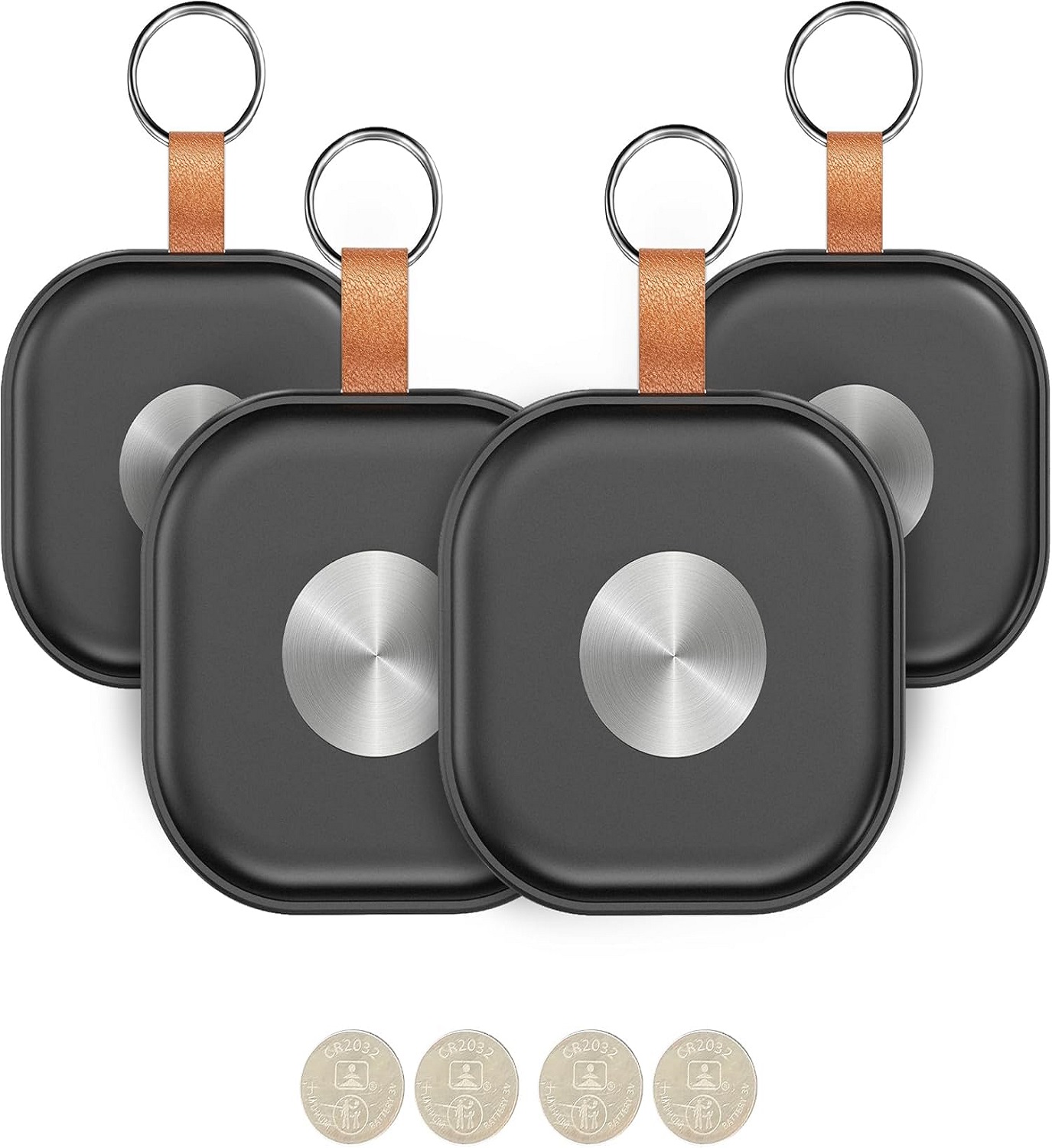
1)CR2032 Battery
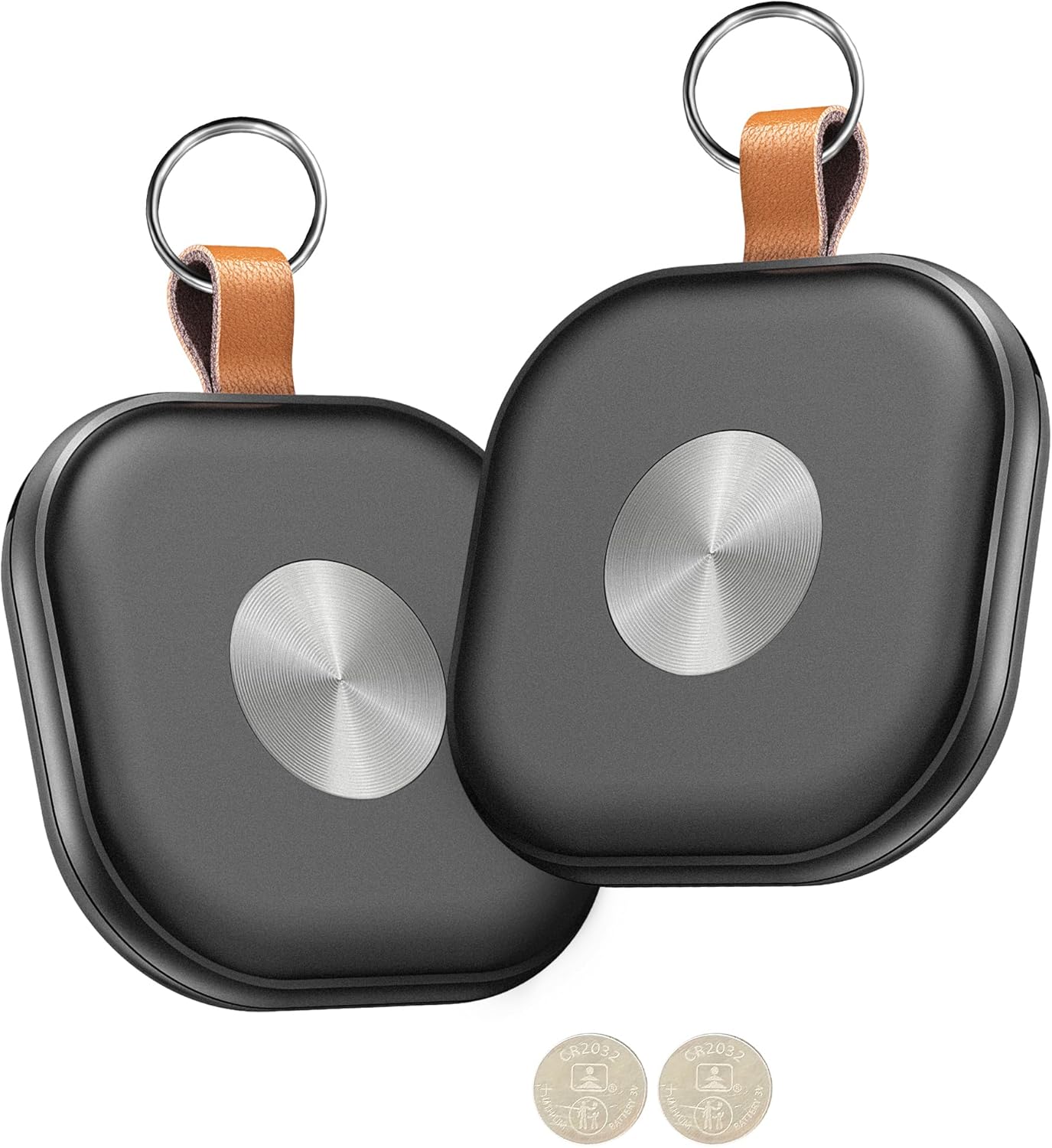
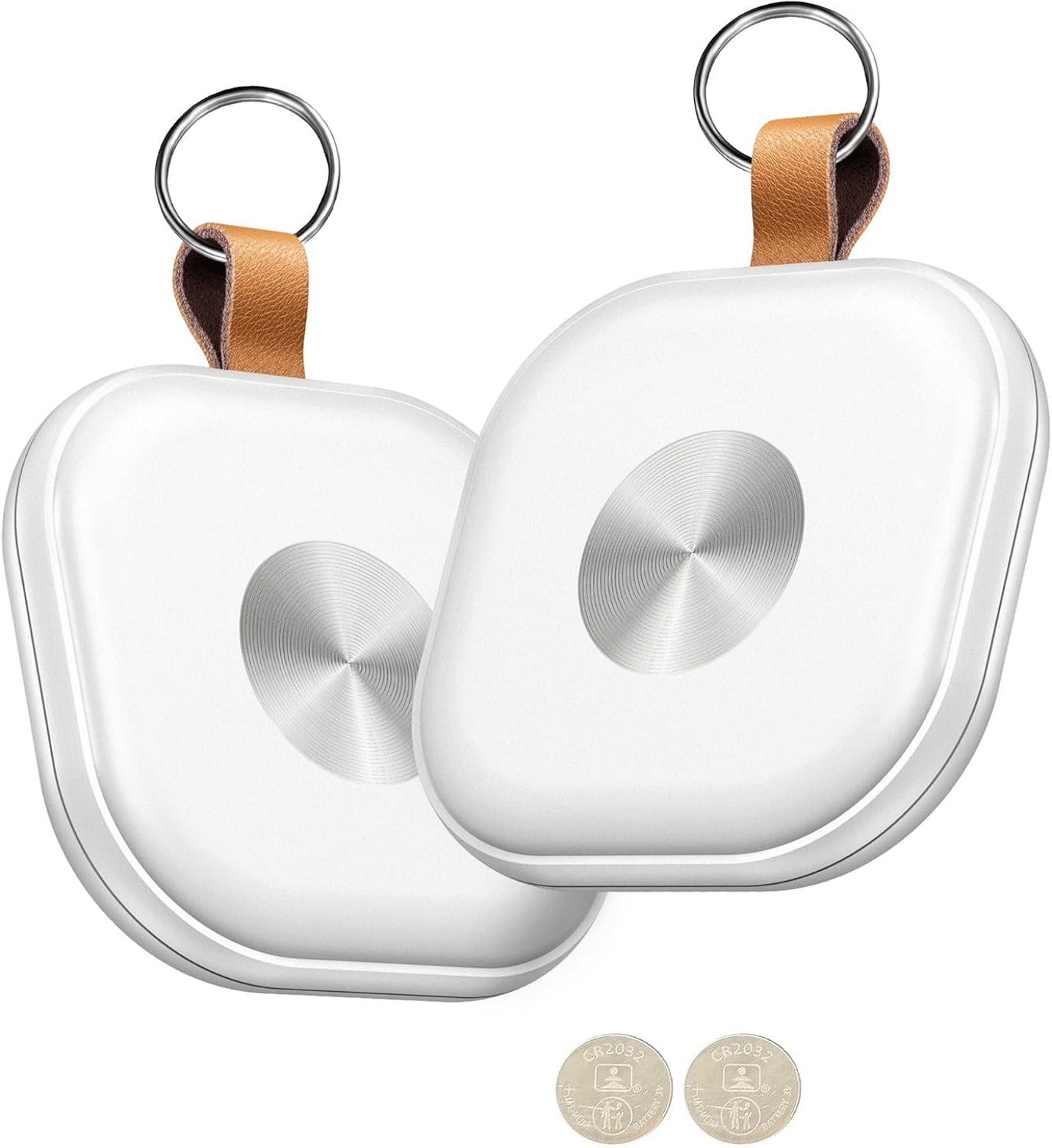
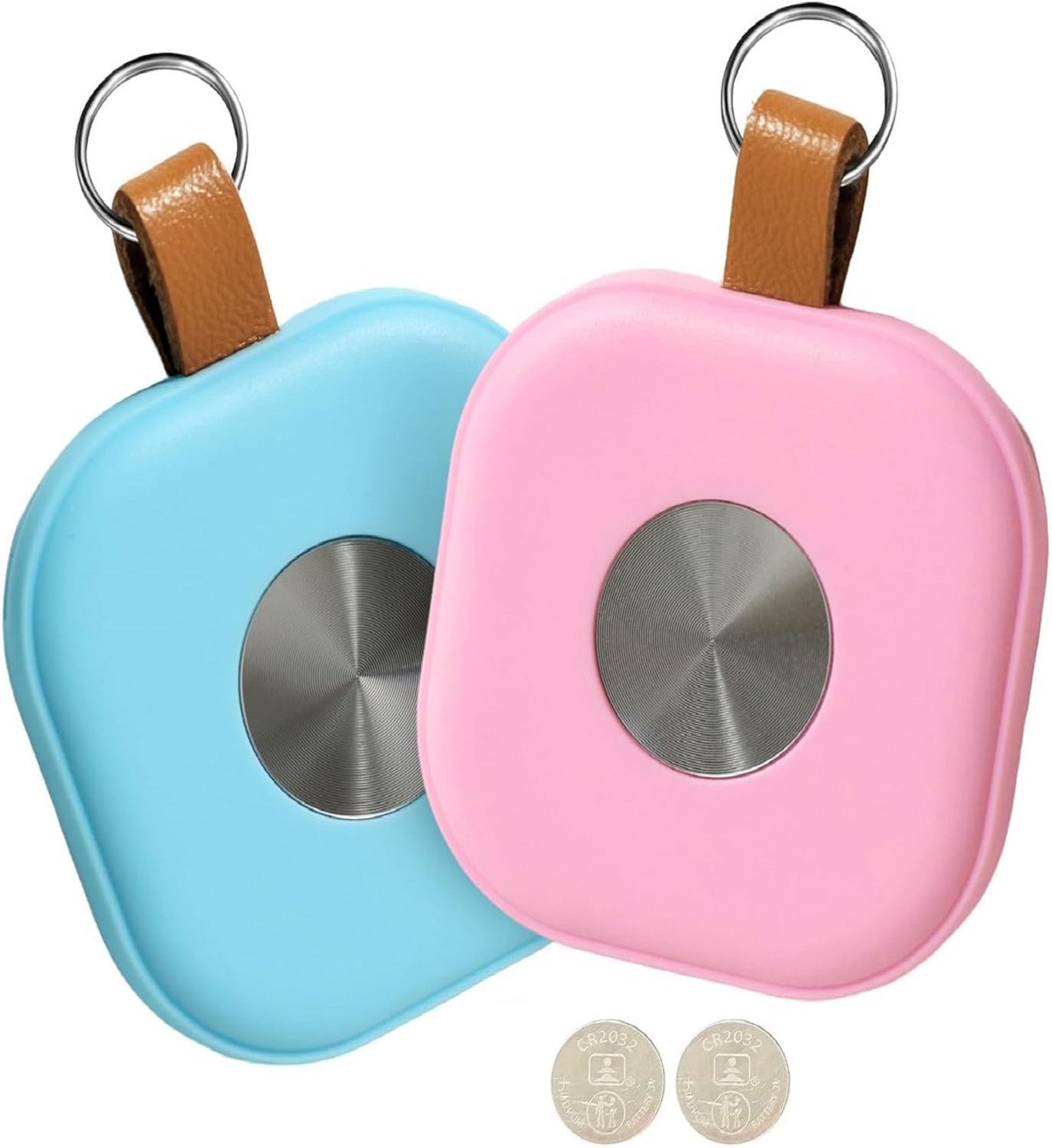
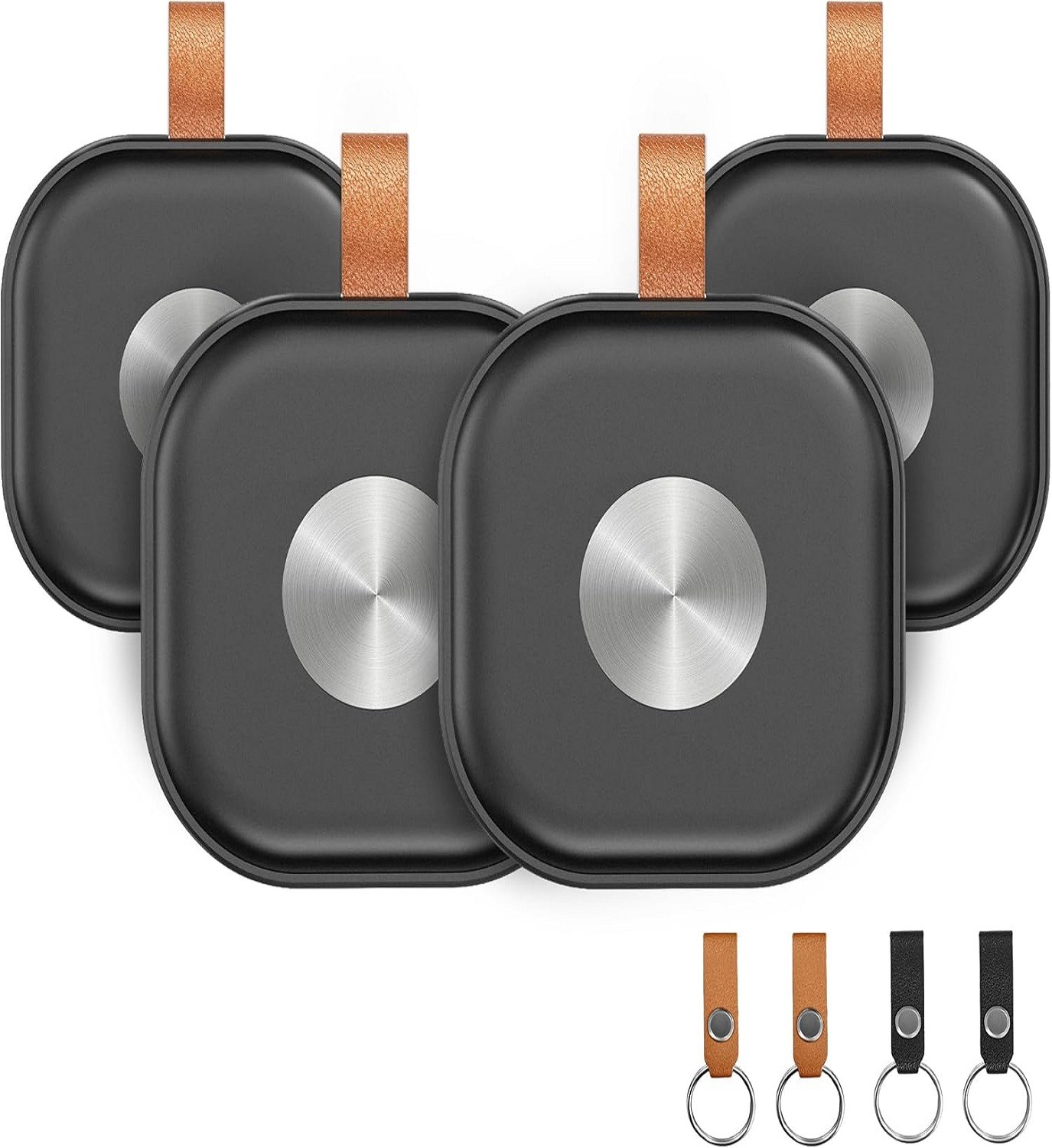
2)Key Ring*4
3)User manual*1
4)Black Battery Cover Pry Tab*2
Gift With Purchase:
Leather Key Strap with Snap Button(Black*2, Brown*2)
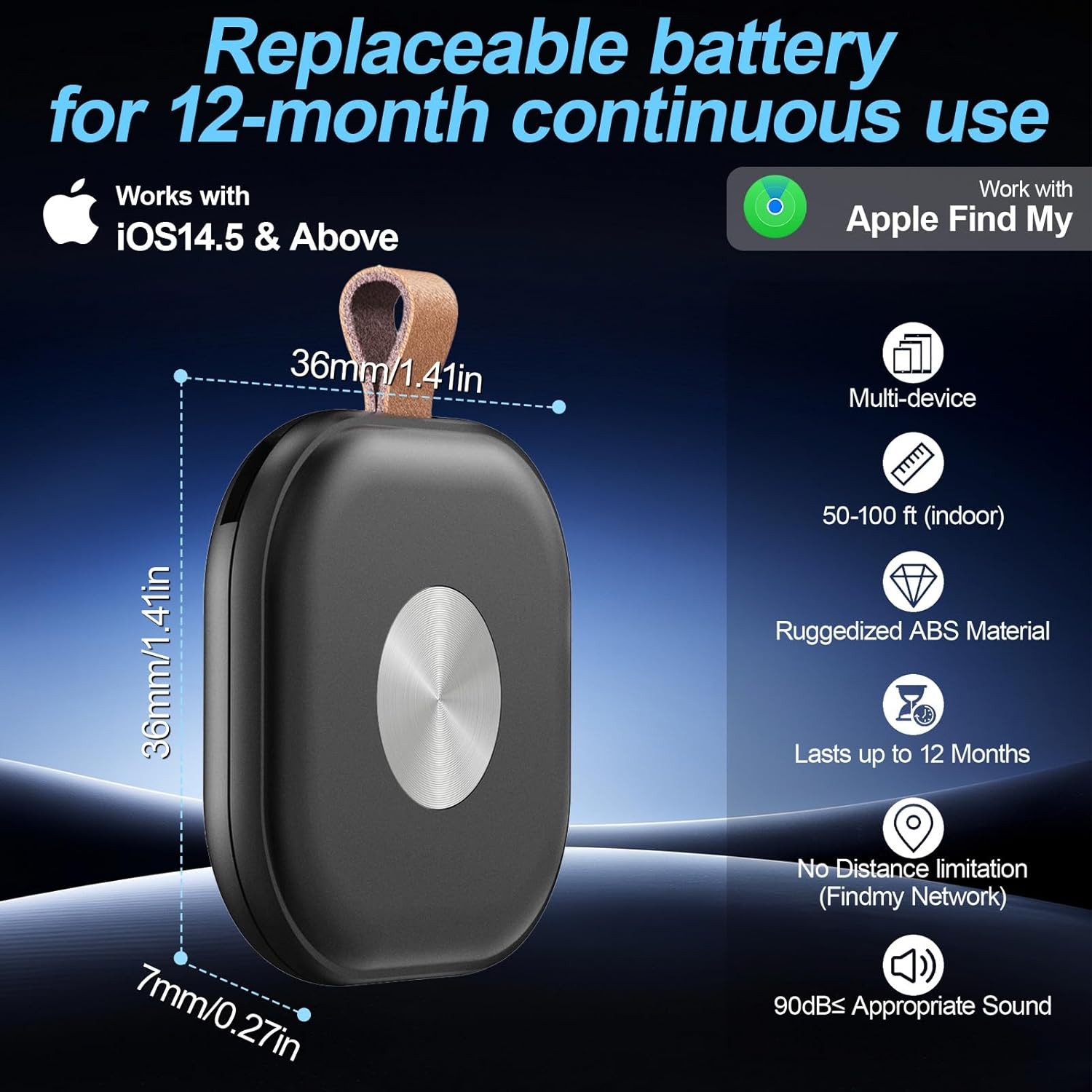
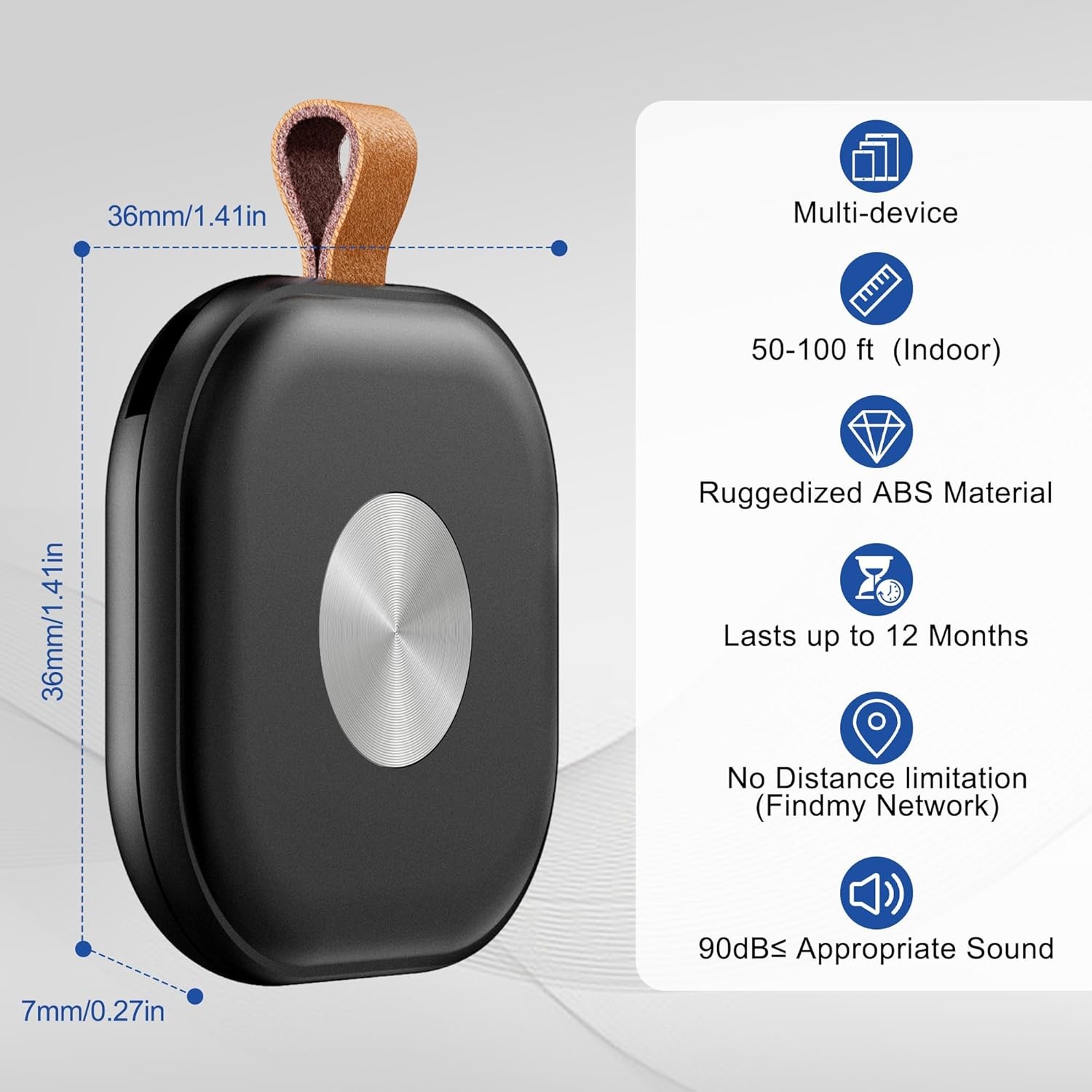
Product Size(mm):36*36*7
Package Size(mm):101*112*15
Product Weight(g):65.2
Package Weight(g):73.2
Certification:CE/FCC/ROHS/UKCA
Smart Bluetooth Square Tracker-Smart Home Brand Yunioff
Youtube Link:https://www.youtube.com/watch?v=ck0AFCBCg0I
Smart Tracker Accessories-Smart Home Brand Yunioff
Youtube Link:https://www.youtube.com/watch?v=fWCpTDuLAUY
Smart Tracker Customer Case
Product Description:
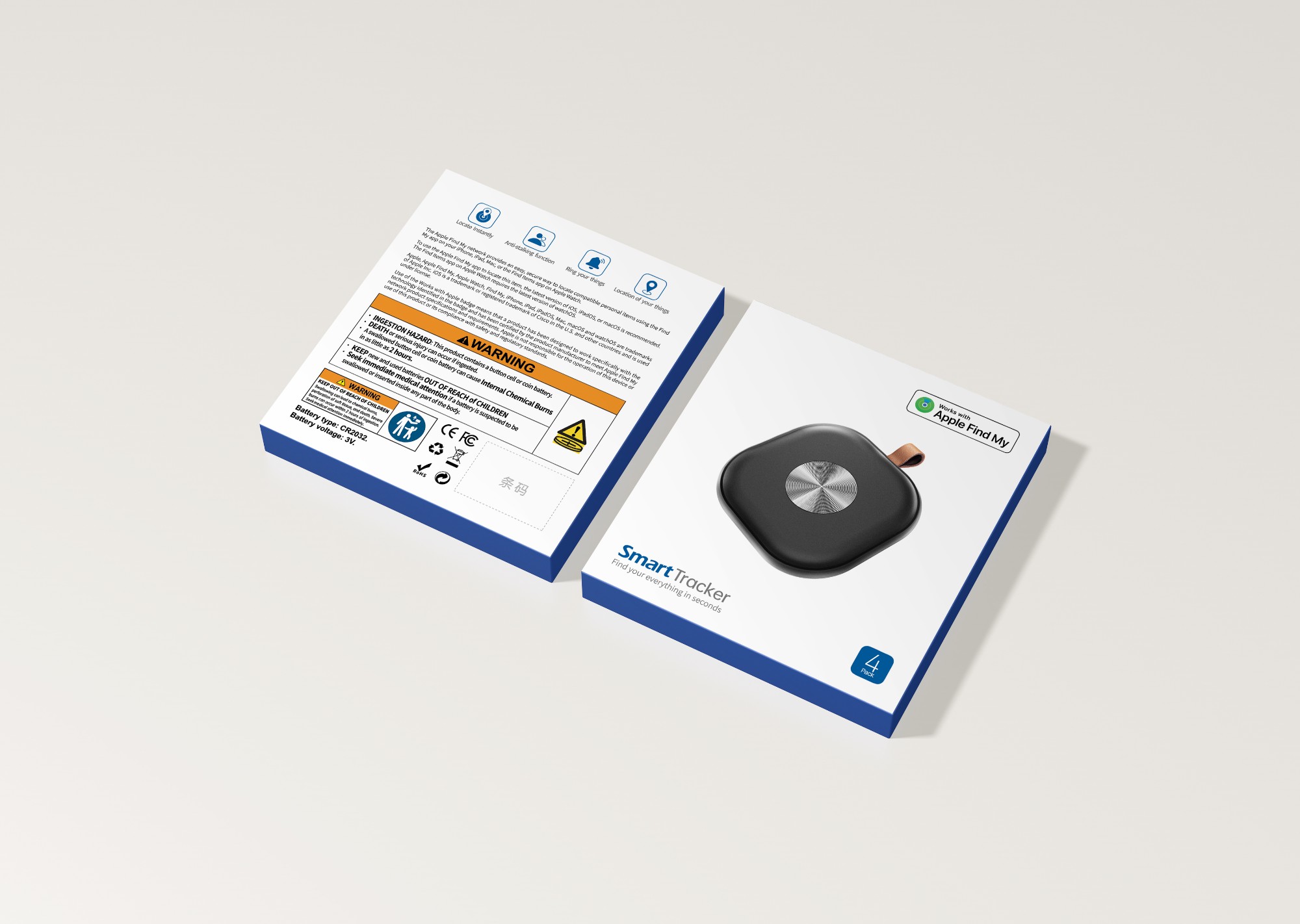
Air Tracker Tags-4 Pack, Item Finder Work for Find My APP (iOS Only), Worldwide Tracker for Keys, Bags Luggage, Suitcases and Wallet with Holder Keychain, Key Finder Locator with Sound, Black
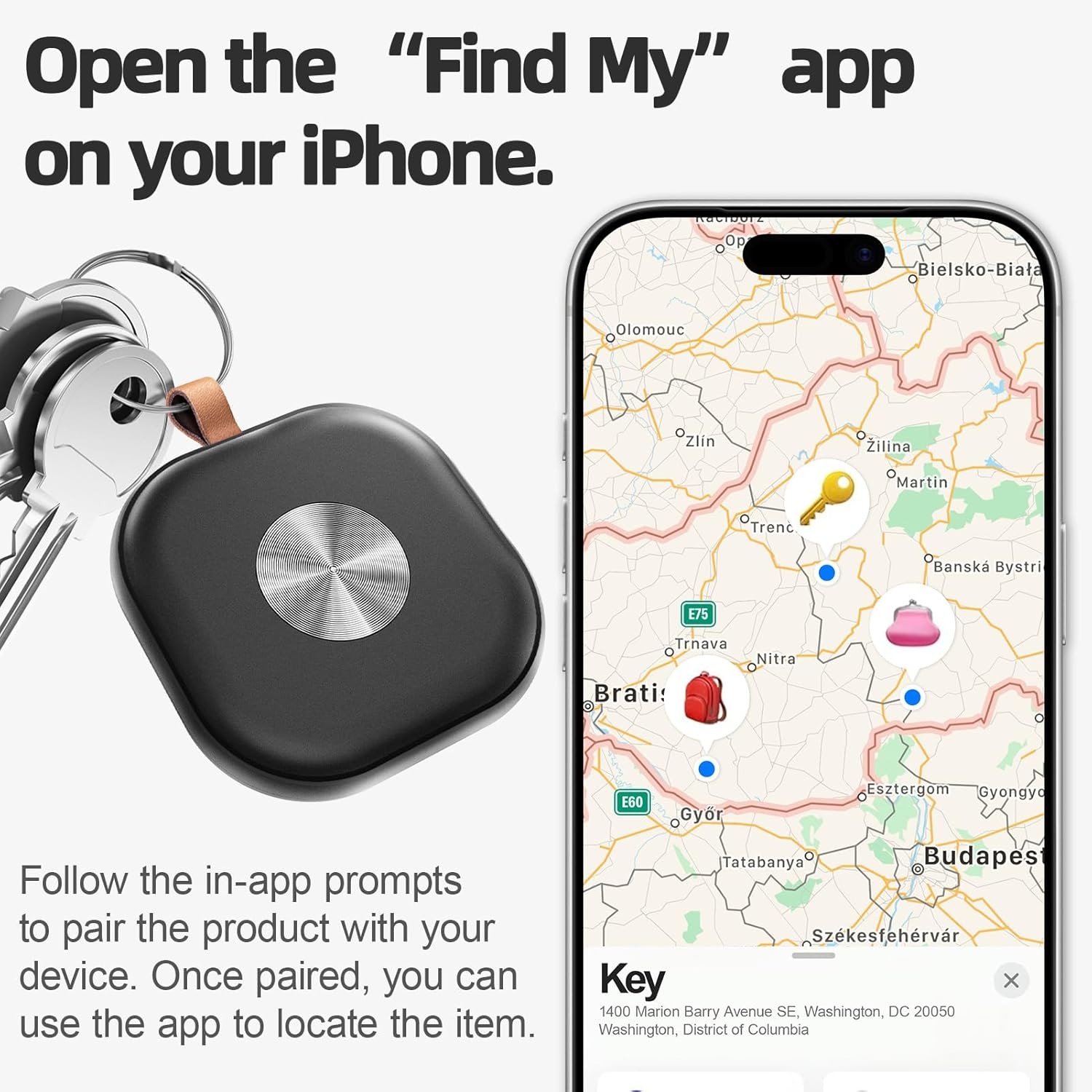
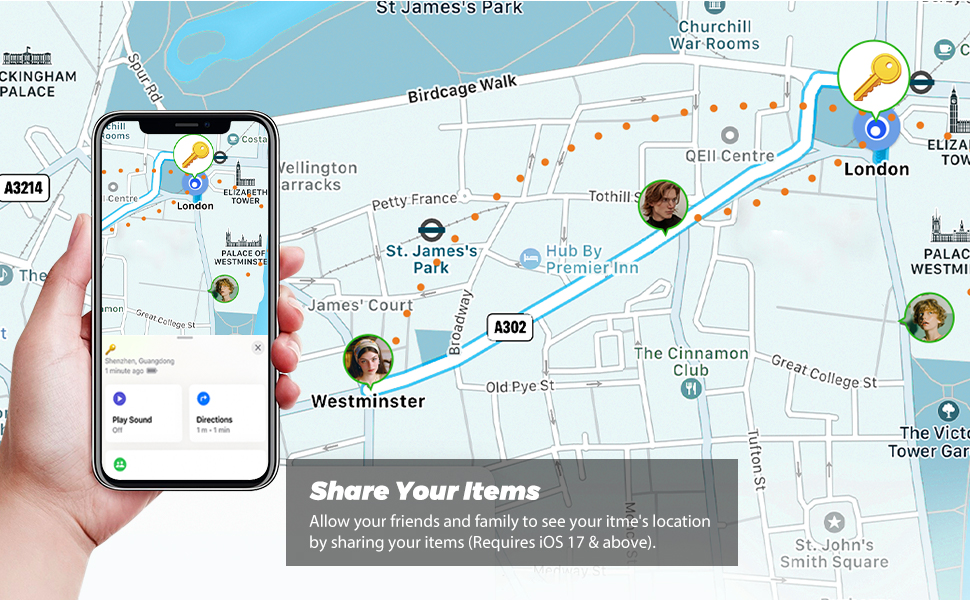
The Apple Find My network provides an easy, secure way to locate compatible personal items using the Find My app on your iPhone, iPad, Mac, or the Find Items app on Apple Watch.
To use the Apple Find My app to locate this item, the latest version of iOS, iPadOS, or macOS is recommended. The Find Items app on Apple Watch requires the latest version of watchOS.
Use of the Works with Apple badge means that a product has been designed to work specifically with the technology identified in the badge and has been certified by the product manufacturer to meet Apple Find My network product specifications and requirements. Apple is not responsible for the operation of this device or use of this product or its compliance with safety and regulatory standards.
Product Features:
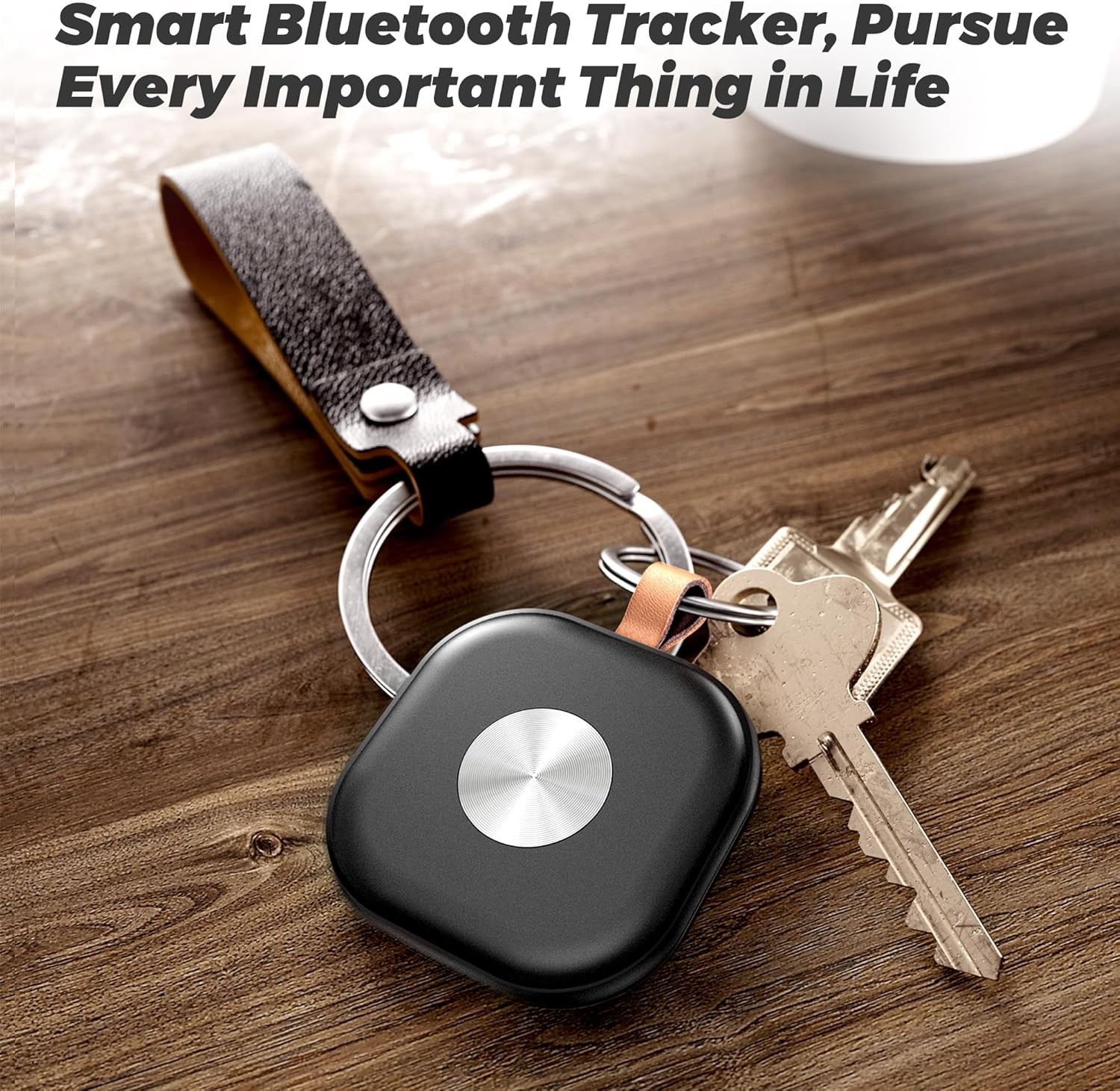
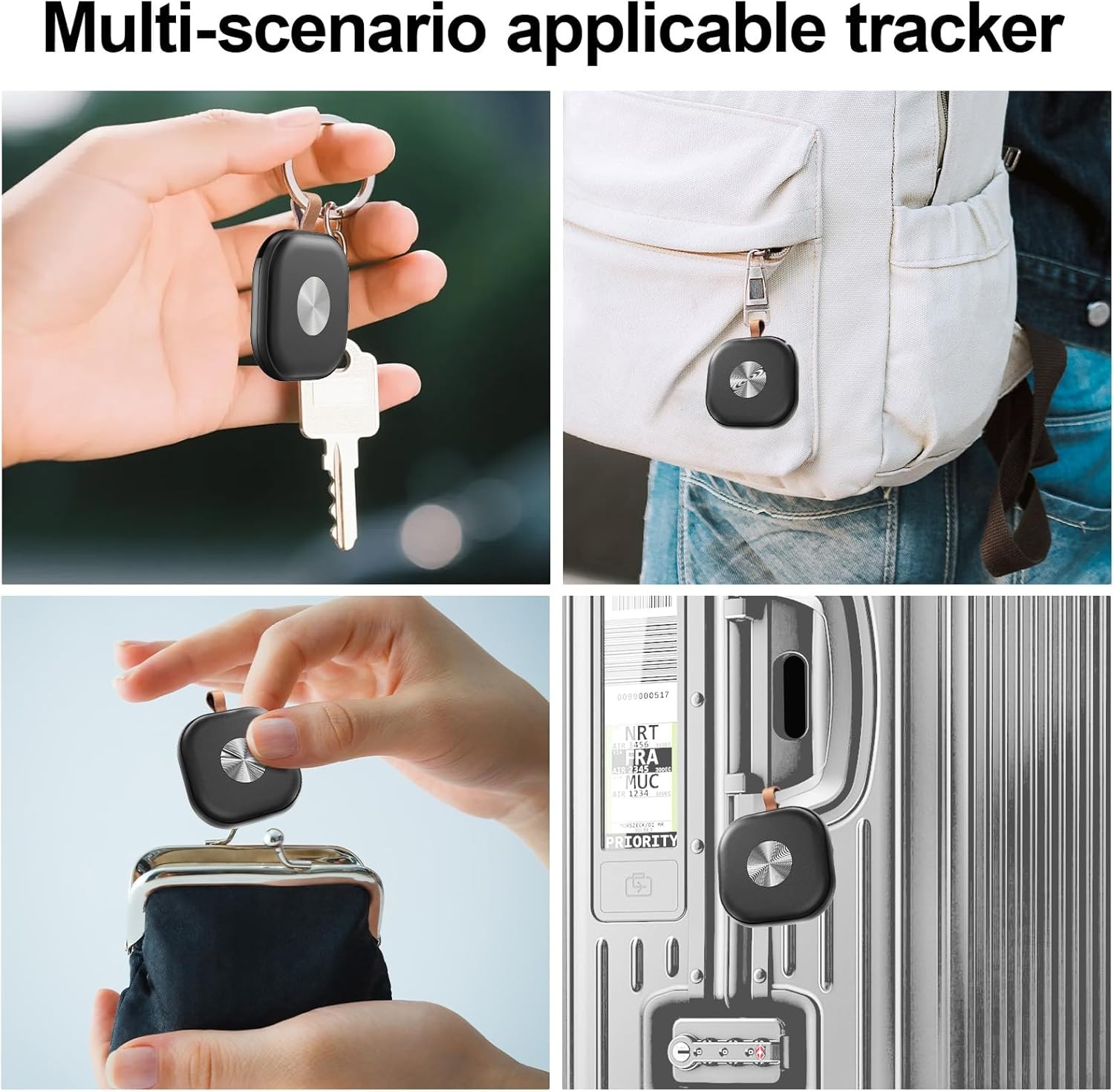
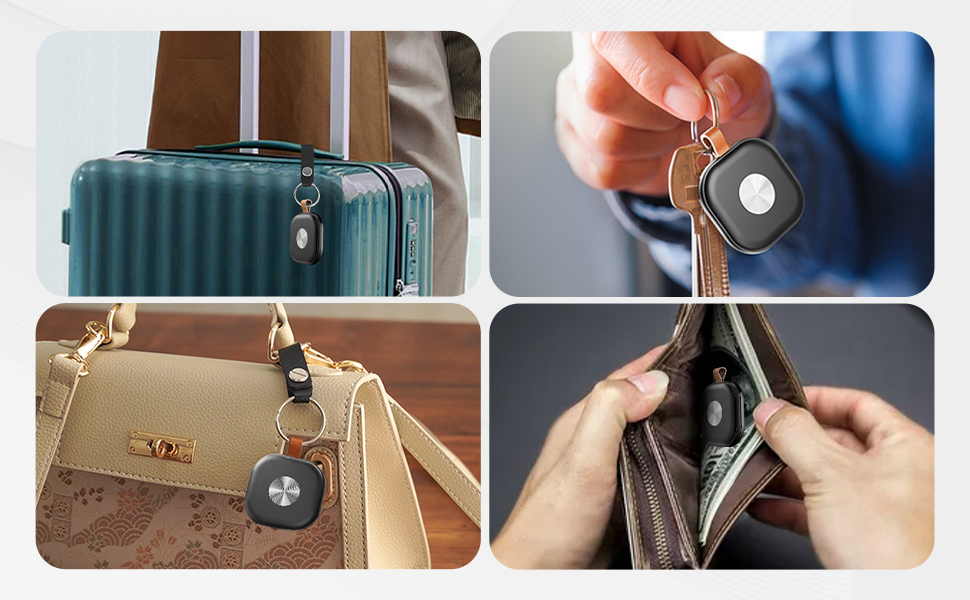
【Key Rings And Leather Key Strap with Snap Button】4 key rings and 4 Leather Key Strap with Snap Button are included with our 4-Pack Air Tracker Tags, making it simple to attach the smart finder to keys, wallet, luggage, backpack and use it longer. For after-sales help, Yunni Official Website is ready.
【Thoughtful After-sales Service】If you run into any usage problems, contact us freely for comprehensive after-sales service. Visit Yunni Official Website for after-sale support.
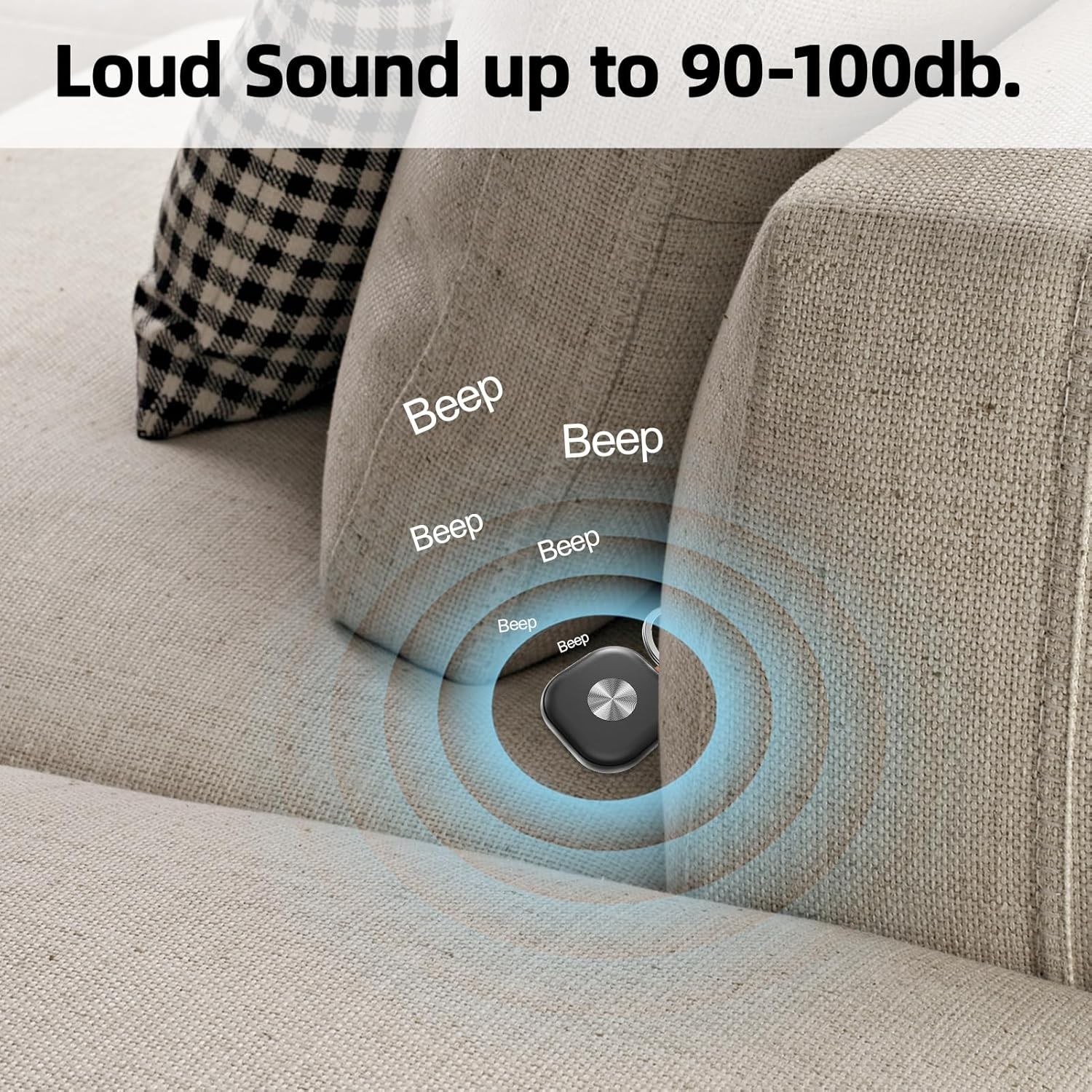
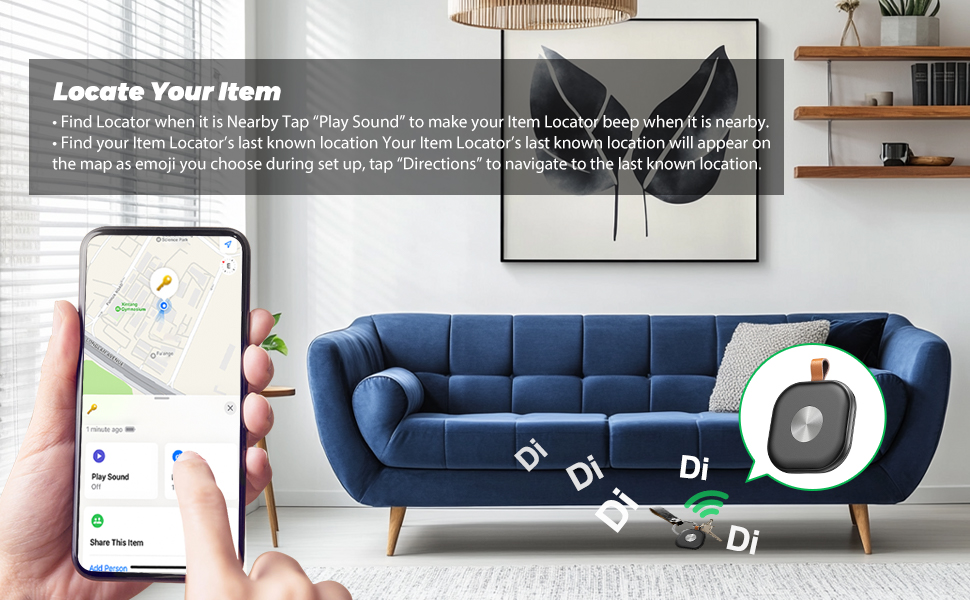
【Instantly Locate】Smart key finder with audio for real-time location tracking. 590-1181 inch Bluetooth range: 90-100dB loud sound via "Find My"; use map navigation beyond the range.
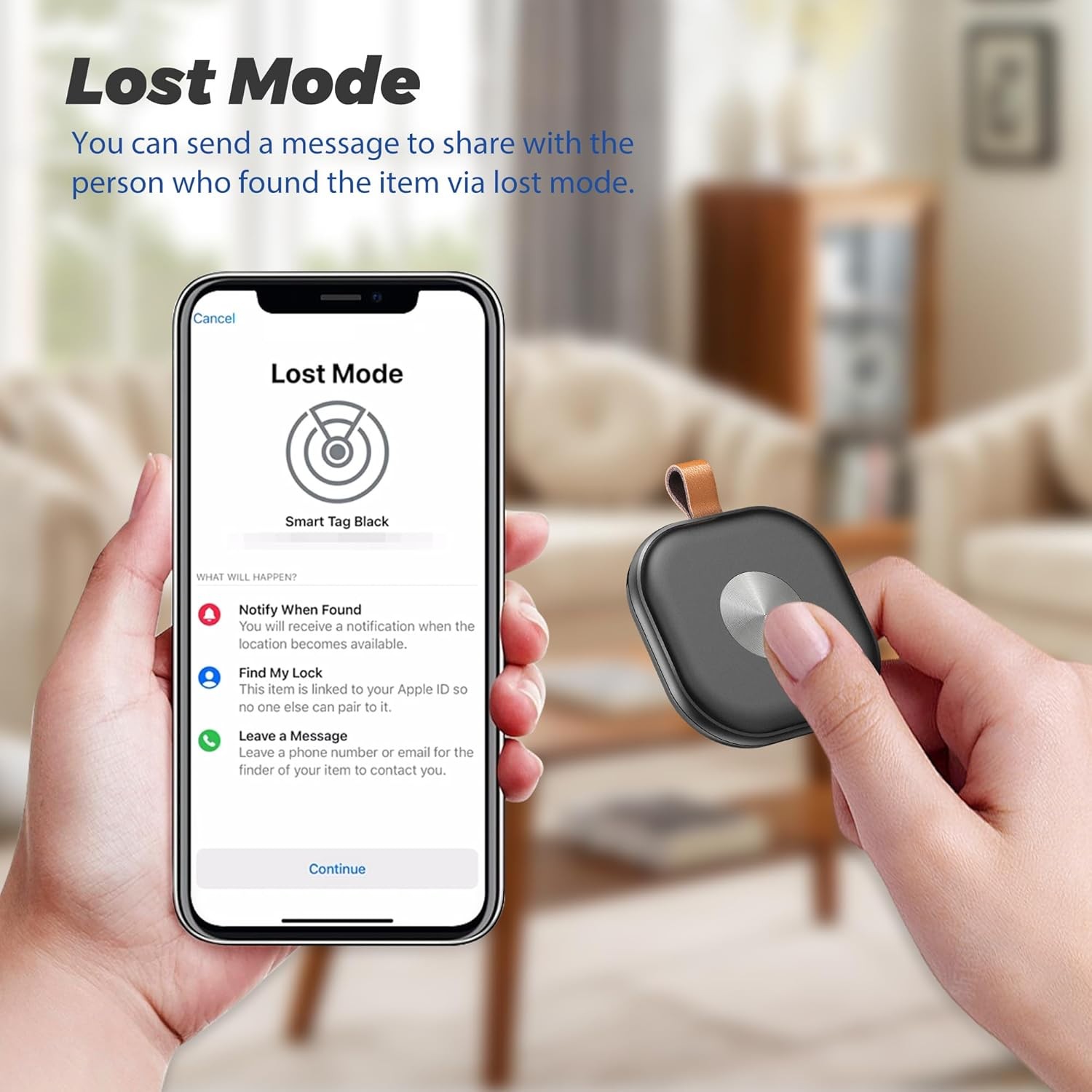
【Lost Mode】Our NFC tech lets anyone who finds your lost tracker tap their iOS device to access your contact details. (Note: Enter your contact info into the device first.)
【Portable Smart Tracker】Replaceable battery lasts 1 year—skip frequent battery changes and keep your items safe. Mini size for easy carrying anywhere.
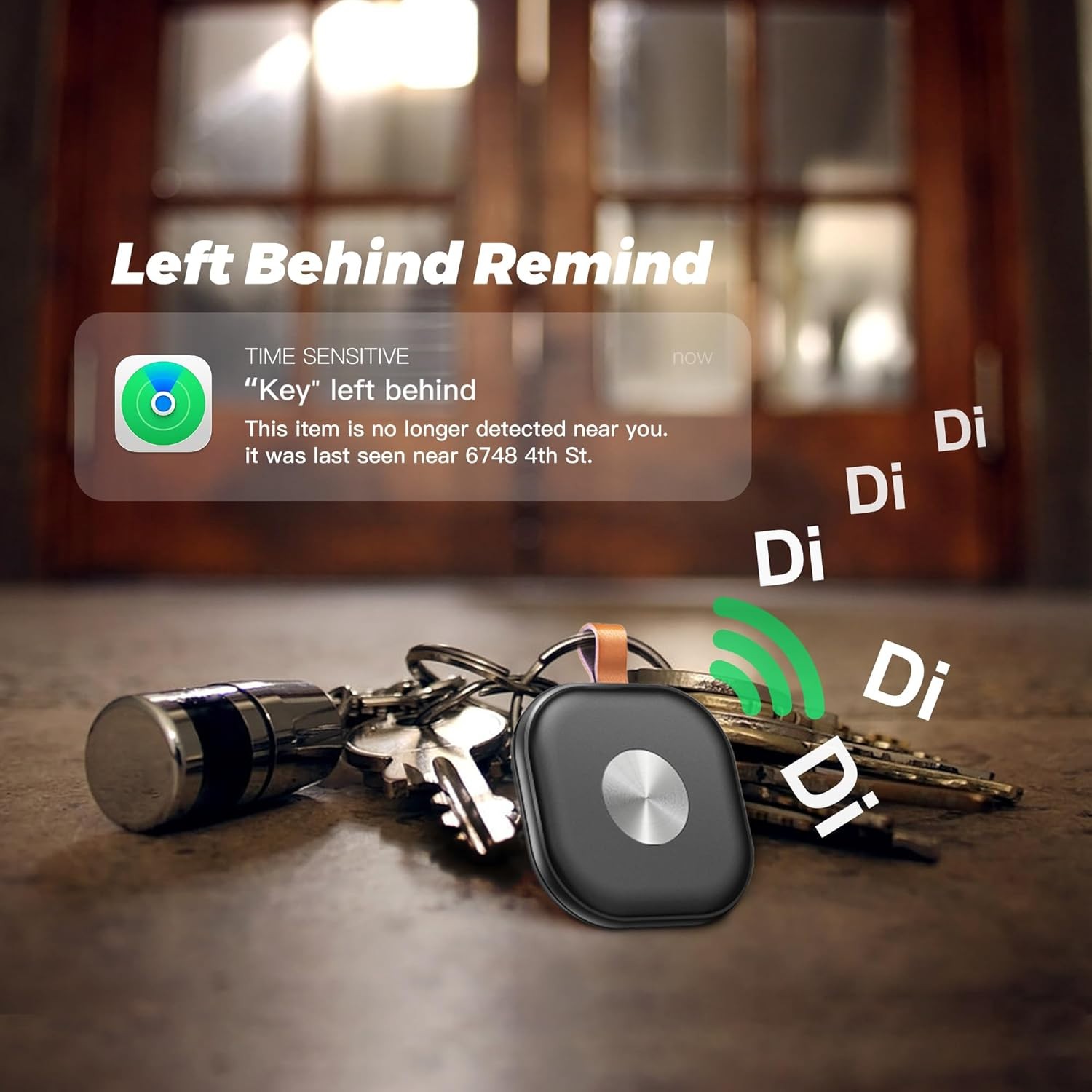
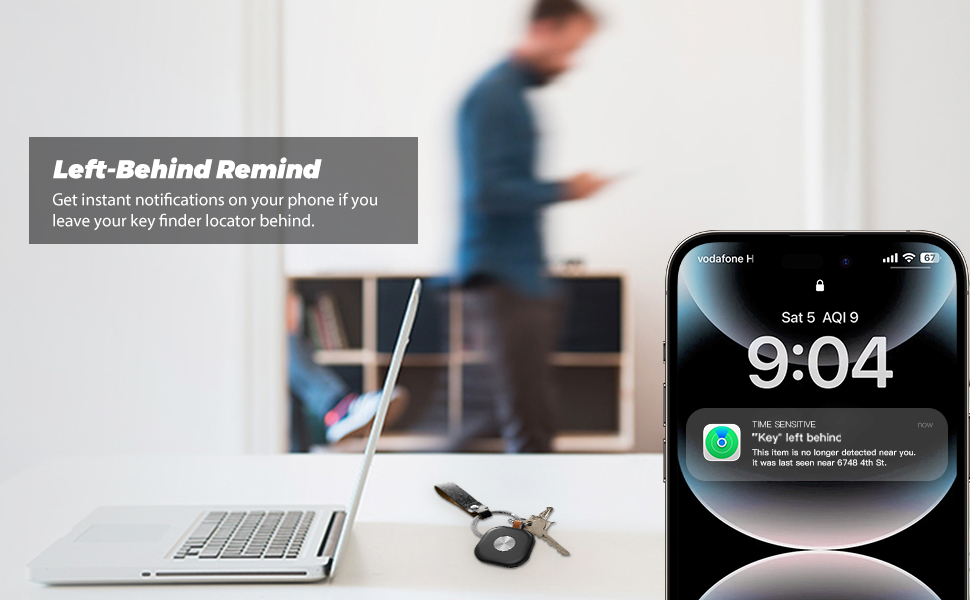
【Left-Behind Remind】Get phone alerts when your tracker exits Bluetooth range. The Left-Behind Remind reminds you to grab your tags if you leave your bag/car keys. (Note: Turn on notifications.)
User Guide
1. Check For Updates
To use the Apple Find My app to locate your Item Locator, the latest version of iOS, iPad OS, or macOS is recommended.
2. Power On
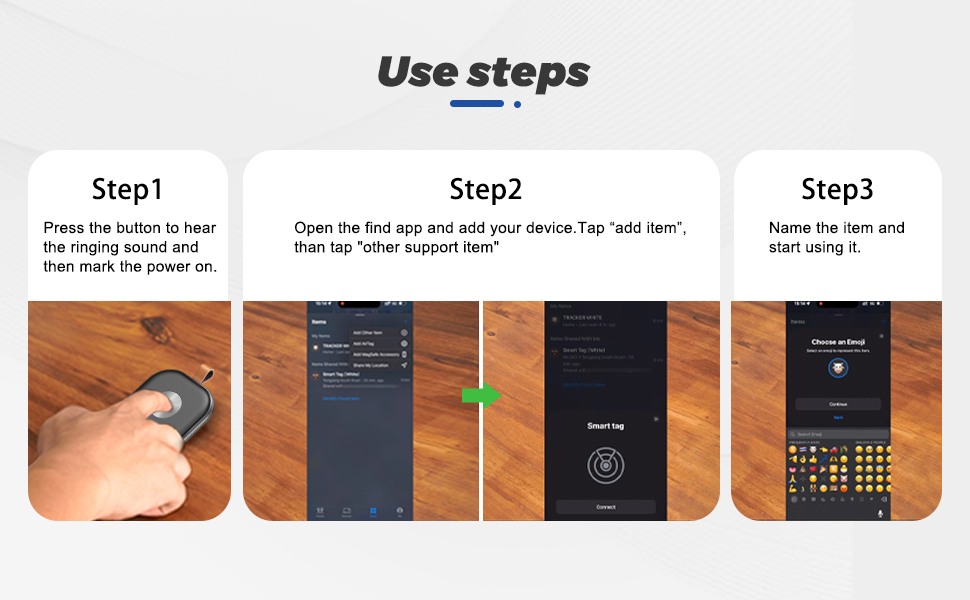
Press your Locator’s function button once to turn on - it should beep indicating it is powered on.
3. Start the App
Open the Find My APP.
4. Connect your Item Locator
• Power on your Locator
• Tap “+” then “Add Other Item”
• Make sure your Item Locator is close to your phone. Wait until you see the device name then tap “Connect”.
• Choose a recognizable name and emoji for your item Locator and tap“Continue”
• Find My will ask for confirmation to add your Locator for your Apple ID - tap “Continue”
• Tap “Finish” and your Locator will be set up and ready to be connected to whatever item you wish to locate, e.g., your keys.
How to replace the Battery
• Carefully rotate the opening tool up or down by about 90 degrees, open the case in the small gap on the side of the item locator.
• Take out the battery from the motherboard, then replace the battery with a new CR2032 battery 3V (text facing up).
• Carefully close the Item Locator.
Unwanted Tracking Detection
If your iPhone detects that an unknown Item Locator is traveling with you, it will send you a notification. A sound will start playing so you will be able to find it. These alerts are only activated when an Item Locator is not connected to its owner’s phone, so your partner’s Item.
Locator will not trigger a sound if they are with you.
Button function
1. Power on (Find my function is on).
Press the function button once to turn it on. it should a ringring chime indicating it is powered on. If the product is not paired, it will be closed within 10 minutes.You need to trig ger the find my function again to continue pairing.
2. Power off (Find my function is off).
Hold the function button for three seconds, then release it.. you will hear two beeps indicating it is powered off.
3. Enable learn more information query.
Press the function button two times rapidly and you will hear a confirmation sound,This operation will be displayed on the find my app to guide the person who gets the device to obtain the device information, such as the owner's contact information (if the item is set to the lost mode on the app), and the serial number of the device.
4. Restore factory settings (reset the device locally and restore it to pairing status)
Press the function button four times rapidly and then hold it a fifth time until you hear a ringring chime.
A reset operation is required to enable the device to enter the pairing state again (synchronization of Find my also requires simultaneous unbinding) and rebind the new Apple Id account.
Important tips:
• When pairing a device with Find My app, the phone will link to the Apple server. Pairing may fail because of network problems. The following action is recommended: 1. Change the phone’s network, such as switching between WiFi and mobile. The first pairing may takes a long time, please wait patiently. 2. Reset your item. 3.Repair with Find My APP.
• When “Lost Mode” is enable, DO NOT REMOVE ITEM in the APP. Your Item Locator will be locked and cannot be paired to a new device.
• The battery usage time varies depending on personal usage habits. Frequent use of the call function can accelerate battery consumption.
Regulatory Safety Information:
Warning: The battery must be kept out of the reach of children. Due to chemical burns and potential esophageal perforation, swallowing may cause serious injury or death. If the child accidentally swallows the button battery, please call the rescue phone immediately and seek medical advice in time.
WARNING
Remove and Immediately recycle or dispose of used batteries according to local regulations and keep away from children. Do NOT dispose of batteries in household trash or incinerate.
Even used batteries may cause severe injury or death Call a local poison control center for treatment information.
Non-rechargeable batteries are not to be recharged. Do not force discharge, recharge, disassemble, heat above 50°C/122°F or incinerate. Doing so may result in injury due to venting, leakage or explosion resulting in chemical burns.
The compatible battery type is CR2032.
The nominal battery voltage: DC 3V.
Ensure the batteries are installed correctly according to polarity(+ and -).
Do not mix old and new batteries, different brands or types of batteries, such as alkaline, carbonzinc, or rechargeable batteries.
Remove and immediately recycle or dispose of batteries from equipment not used for an extended period of time according to local regulations.
Always completely secure the battery compartment. If the battery compartment does not close securely, stop using the product, remove the batteries, and keep them away from children.
Contact: Jacktao
Phone: +86-13815034152
E-mail: director@yunismart.com
Whatsapp:13815034152
Add: No.143,Qingyangbei Road,Changzhou,Jiangsu,China
CopyRight 2020 Yunismart Home Manufacturer All Right Reserved POWERED BY YUKE Sitemap

We chat